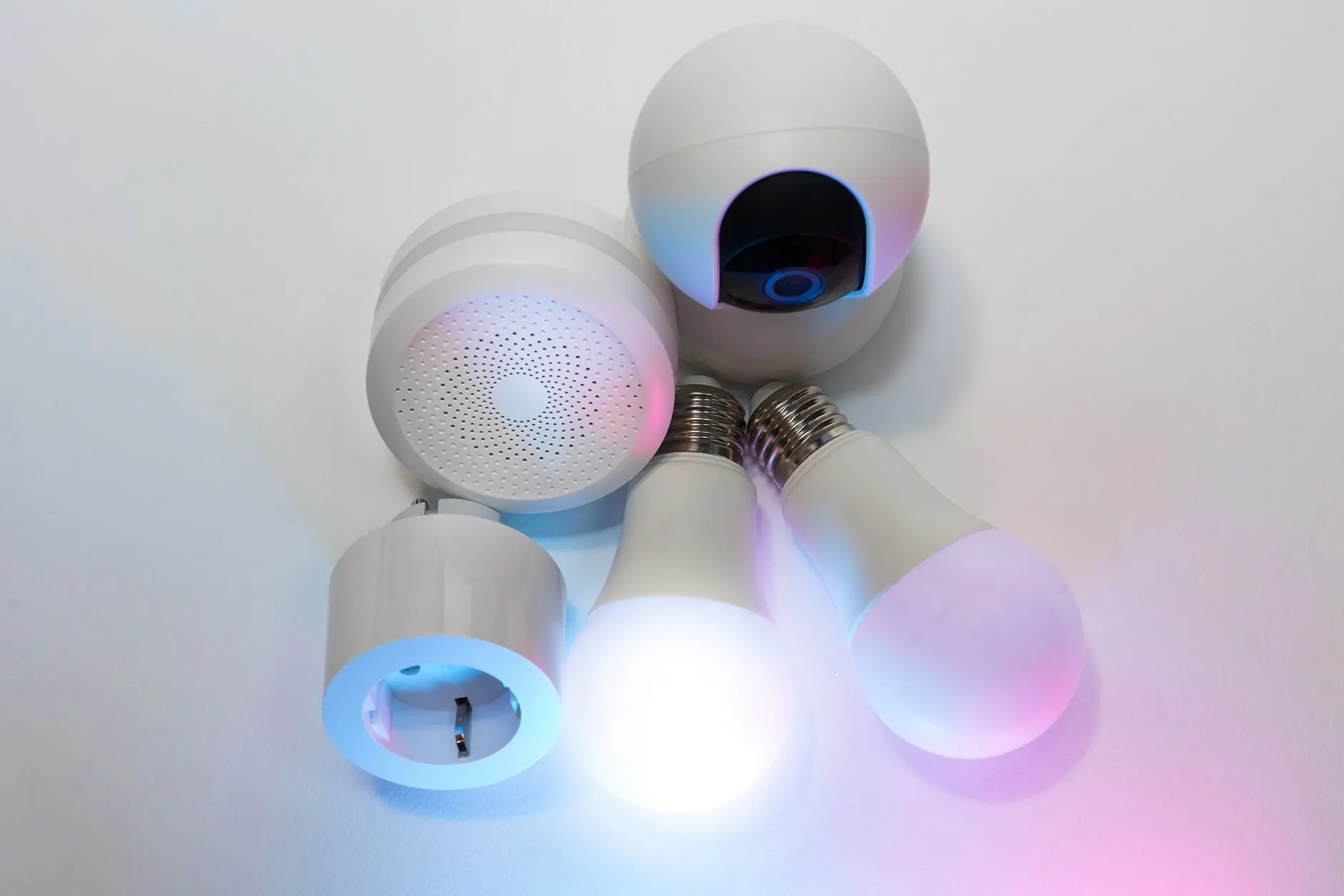
Starting with an empty home, a phone and a Wi-Fi router, how to set up a smart home comes down to one order: pick a control app, add a smart plug or bulb, then match later devices to the protocol they use.
The sections below follow that order. Anyone still choosing products can read best smart home devices for beginners first, and anyone undecided between voice platforms can read which smart home ecosystem is best.
- Start small. One plug-in device and one app teach the pairing routine before any wiring or security hardware is involved.
- Check the protocol on the box. Matter, Zigbee, Thread and Wi-Fi each shape what the device needs from the rest of the home.
- Buy higher-stakes devices last. Thermostats, locks and doorbells are worth adding once the basics work reliably.
Pick your route through the setup
A smart home is a set of connected devices, such as light bulbs, doorbells and thermostats, that are controlled from one place. The sensible route depends on what the household wants first, because the first purchase decides which protocol the home leans on.
- Quick wins with minimal commitment. Begin with a smart plug on a lamp or fan, then add a smart bulb. Both are plug-in or screw-in, so nothing in the walls changes.
- Comfort and security. Add a thermostat, a video doorbell or a lock after the app and the home network are working well. These need more careful compatibility checks.
- A whole home that grows. Choose a controller or hub early and buy devices that speak the same standard, so later additions join the same network instead of forming a second system.
Most readers belong to the first route and drift towards the third. That drift is why the protocol question comes before the shopping list. A bulb that fits the existing network costs less effort than a bulb that needs its own app, bridge and account.
Wired or wireless: the first decision
Smart home systems can be set up through either a hardwired system or a wireless connection, according to a smart home guide from Meteor Electrical. The same guide says wireless systems are easier to install and cost-friendly, which explains why nearly every beginner kit is wireless.
For a first home, wireless is the practical default. It lets a household try a device, move it to another room and replace it without an electrician. Hardwired thinking becomes relevant when a device replaces something fixed in the wall, such as a wall switch. The guide on how to install a smart light switch covers that step in detail.
Wireless does not mean one technology. Wi-Fi, Zigbee and Thread are all wireless, yet they behave differently in range, power use and the extra hardware they need. The rest of this guide sorts those differences into purchase decisions.
Matter and the devices it supports
Matter is a smart home connectivity standard designed so that devices from different brands can work in the same home. The Matter Working Group consists of experts from more than 200 major players, which gives the standard broad industry backing. Anyone new to the standard can read what is matter smart home for a fuller explanation.
What Matter is built on
The Matter communication stack is based on the internet protocol (IP), as the IoT Now explainer on Matter security describes. Matter runs on Wi-Fi and Thread networks and uses Bluetooth Low Energy only during setup, according to Smart Home Focus. Wired Ethernet is supported too, mostly for hubs and bridges.
In practice, a Matter device is not tied to one radio. A Matter bulb might arrive as a Thread device and a Matter plug as a Wi-Fi device, and both can sit under the same app. The packaging should say which one, because the transport decides what else the home needs.
Device categories
Matter defines an application layer with profiles for different types of devices. The IoT Now article lists a window break sensor, a thermostat, a door lock and a coffee maker as examples. For a beginner, the useful reading is that thermostats and locks are both device types a Matter profile covers, so they can join a Matter home. Always confirm the exact model, because supporting a category is not the same as every product in that category being Matter-ready.
Lights, plugs and doorbells appear in the same IoT Now article as typical smart home devices, listed with air quality monitors, washing machines and refrigerators. The article does not give a full category list, so check a specific doorbell or bulb for its Matter label before assuming compatibility.
The role of a Matter controller
The Connectivity Standards Alliance describes a Matter controller as a network device integrated into a smart home system that can bridge devices into third-party Matter ecosystems. Put simply, the controller is the piece that lets a device from one brand be seen by an app from another. Many people already own one in the form of a smart speaker or hub.
Adding a Matter device follows a simple pattern. The IoT Now article summarises it as a six-step process from bringing the device home to operating it in the smart home. In app terms, that means scanning or entering the setup code, letting Bluetooth LE handle the introduction, and then letting the device join the home network.
Zigbee, Thread and Wi-Fi compared
Protocol knowledge helps most when comparing two devices that look identical and cost nearly the same. The table sets out the main options a beginner meets, and the zigbee vs z-wave vs wifi comparison goes further into the older standards.
| Option | How it connects | What it needs | Planning use |
|---|---|---|---|
| Matter over Wi-Fi | Joins the home router directly, usually on 2.4 GHz | No border router | Simplest for a first plug or bulb; keep a 2.4 GHz network available because many Matter devices do not join 5 GHz. |
| Matter over Thread | Low-power mesh using the IEEE 802.15.4 radio in the 2.4 GHz band | A Matter controller and a Thread border router | Suits a home that will keep growing; check that a speaker or hub already includes a border router. |
| Zigbee | Uses the same IEEE 802.15.4 radio standard as Thread | Check the product box for the bridge it expects | Cheaper and lower power than Wi-Fi or Bluetooth, but short range, so plan device placement. |
| Wi-Fi (non-Matter) | Joins the router and keeps devices connected at high speeds | The home router | Good for devices that move more data; consider the load on the router as the device count grows. |
Figures in the table come from Smart Home Focus and Meteor Electrical.
Zigbee versus Wi-Fi in everyday terms
Meteor Electrical says Zigbee is cheaper than Bluetooth and Wi-Fi and uses less power, but transfers data over only a short range, so it may not reach everywhere in a property. Wi-Fi, by contrast, lets connected appliances stay online at extremely high speeds. Those two sentences carry the real trade-off: Zigbee suits many small, low-demand devices, while Wi-Fi suits devices that want a direct, fast link to the router.
The short range of Zigbee is also why mesh behaviour matters. Smart Home Focus notes that Thread routers are always-powered devices such as plugs and bulbs, which repeat signals through the network. The same logic applies when planning a Zigbee layout: mains-powered devices placed between rooms help signals travel further, while battery-powered sensors sit at the edges.
Thread and its capacity
Thread, the radio network that carries many Matter devices, uses the same IEEE 802.15.4 radio standard that Zigbee uses. The Thread Group says a single low-power Thread mesh network can connect 250+ devices, a ceiling that most homes will never approach. Treat it as headroom rather than a target, because the practical limit is how well the devices are spread around the home.
Do smart devices need a hub?
It depends on the protocol. Matter over Wi-Fi devices skip the border router and join the router directly, so they need no extra box beyond the controller app. Matter over Thread needs a Thread border router, which many recent speakers and hubs include, according to Smart Home Focus.
A border router is the bridge between Thread and the Wi-Fi or Ethernet network. A separate how-to from Questechie says both a Matter controller and a Thread border router are required to configure any Matter-over-Thread device. A buyer who already owns a compatible speaker may have both already, which can make a dedicated hub unnecessary. The guide do I need a smart home hub covers the decision in more depth.
Choosing a voice platform
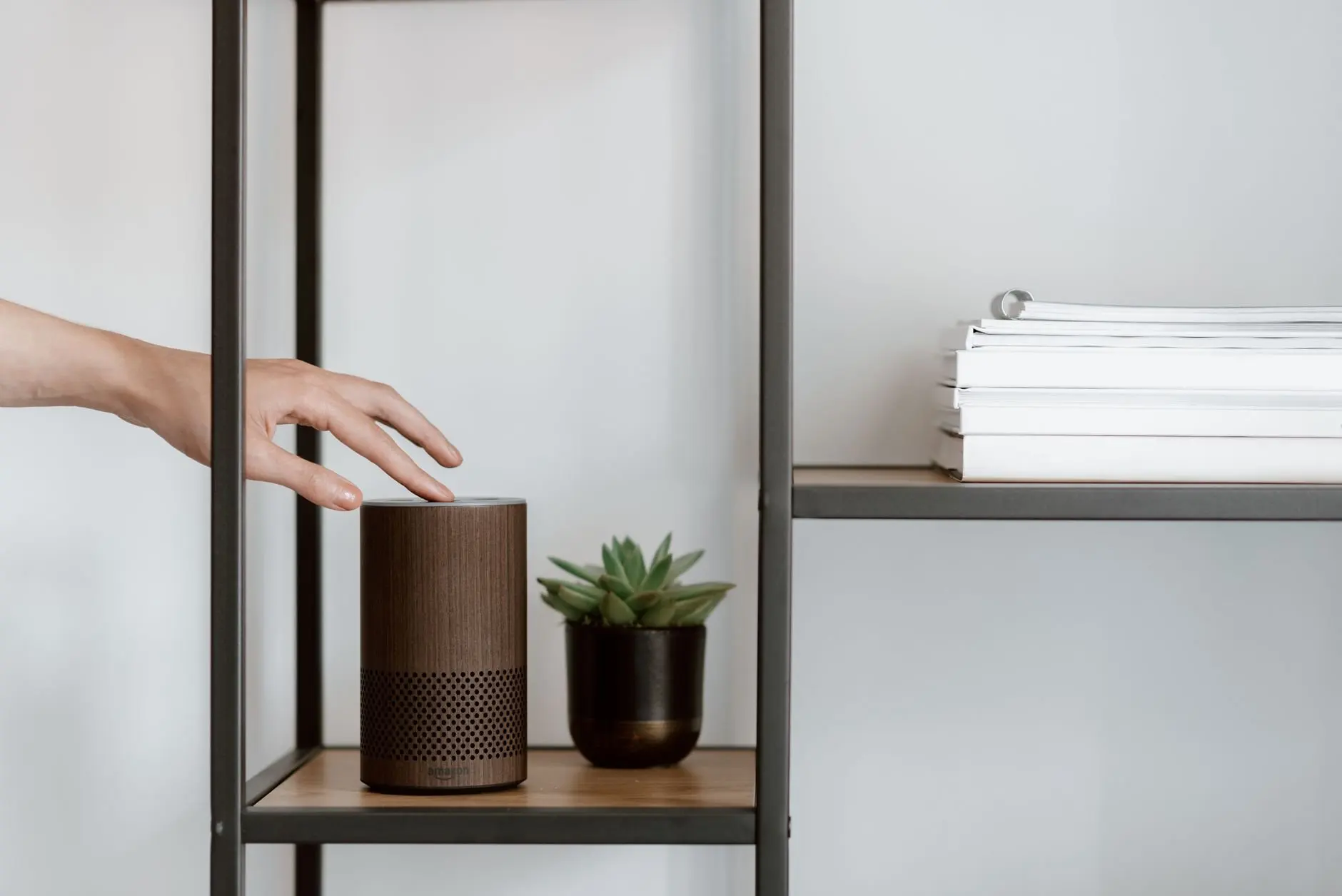
The speaker or hub on the shelf usually decides which app runs the home. Households deciding between platforms can compare alexa vs google home vs apple homekit. The Matter controller role described earlier is what lets a device from one brand appear in another brand’s app, so a platform choice is less permanent than it used to be, though it still affects the setup experience.
Your first devices, one at a time
Adding devices gradually keeps problems easy to trace. If a new bulb stops responding, the cause is far easier to find when it is the only change made that day. The order below goes from the lowest commitment to the highest.
Smart plug
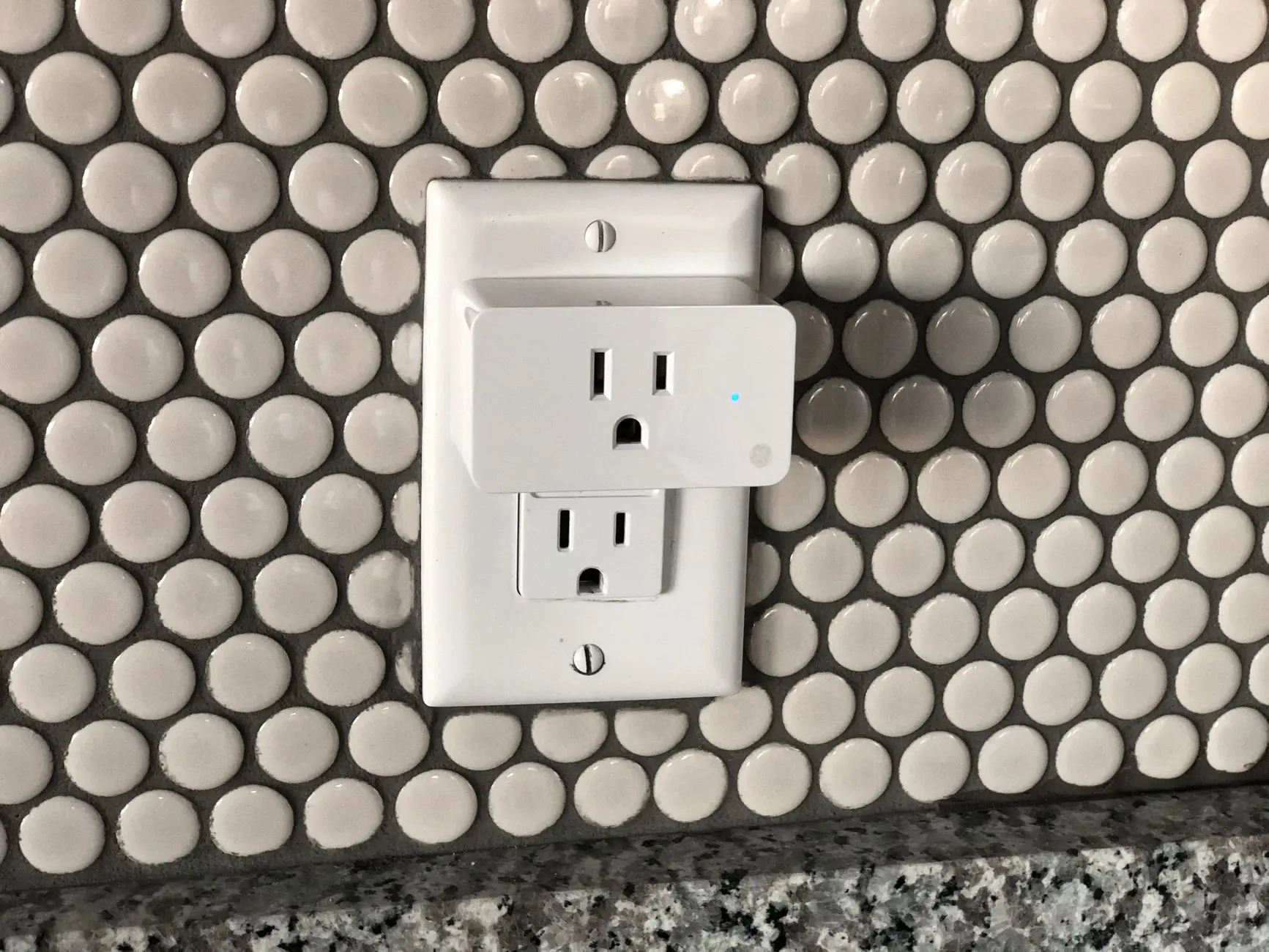
A smart plug is the most forgiving starting point, because it sits in an outlet and powers whatever is plugged into it. It teaches the whole pairing routine without opening a fixture. The walkthrough on how to set up a smart plug covers the steps from outlet to app.
If the plug supports Matter over Wi-Fi, it can join the router directly and respond locally instead of making a round trip to a company’s cloud server, as Smart Home Focus explains. That local response is a good practical reason to prefer a Matter-labelled plug when the price difference is small. A plug that is always powered can also act as a repeater in a Thread mesh, which gives it value beyond the lamp it controls.
Smart bulbs
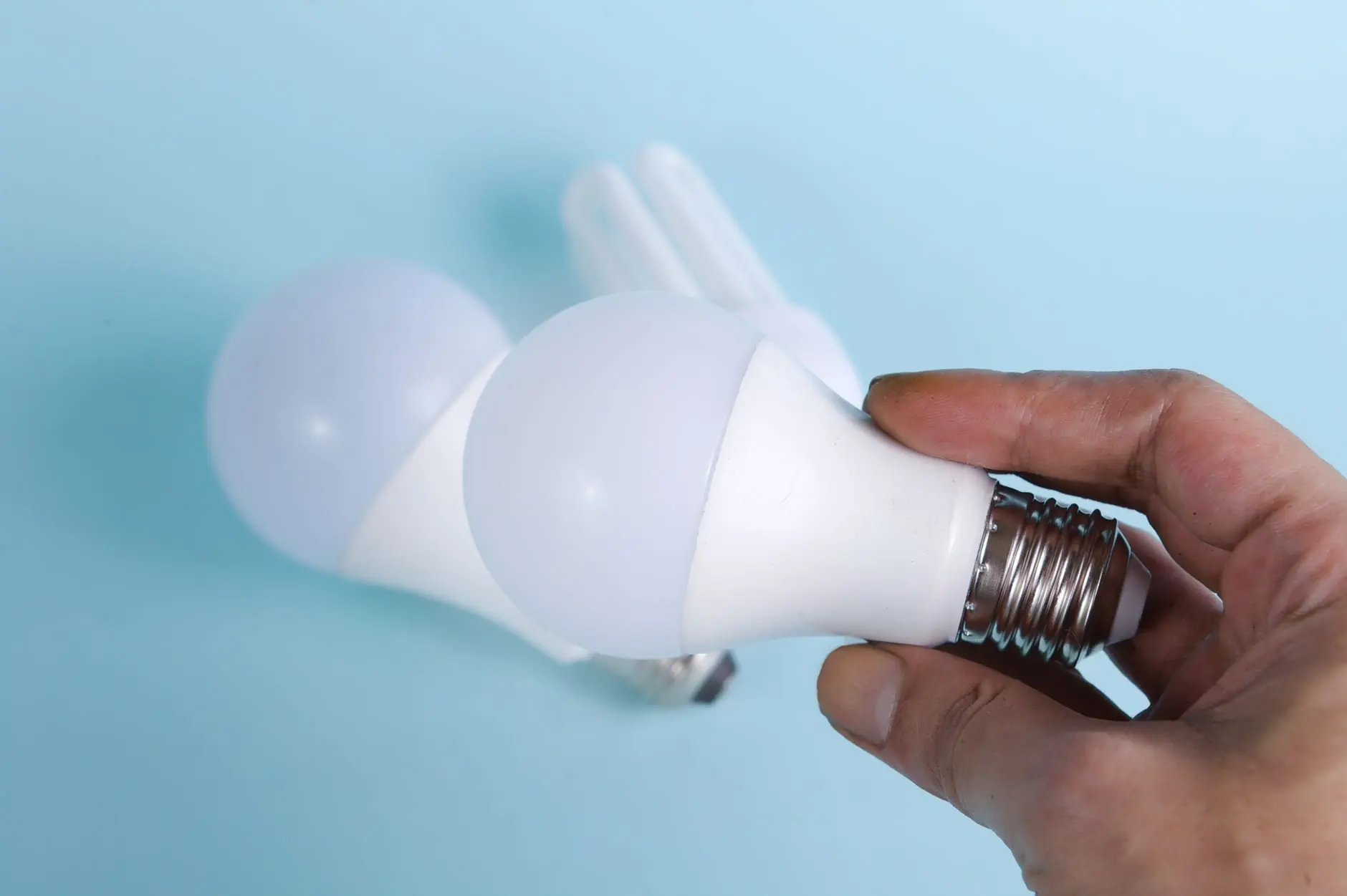
Smart bulbs are the next step because they screw into existing lamps. The choice that matters is the protocol on the box. A Wi-Fi bulb joins the router, a Zigbee bulb works on that shorter-range radio, and a Matter bulb may run over Thread or Wi-Fi. The full routine is in how to set up smart light bulbs.
One practical judgement follows from the mesh behaviour. Since always-powered bulbs can repeat signals in a Thread mesh, a lamp that is regularly switched off at the wall weakens that role. Buyers who plan to rely on voice or app control should leave bulb lamps switched on at the fixture.
Smart thermostat
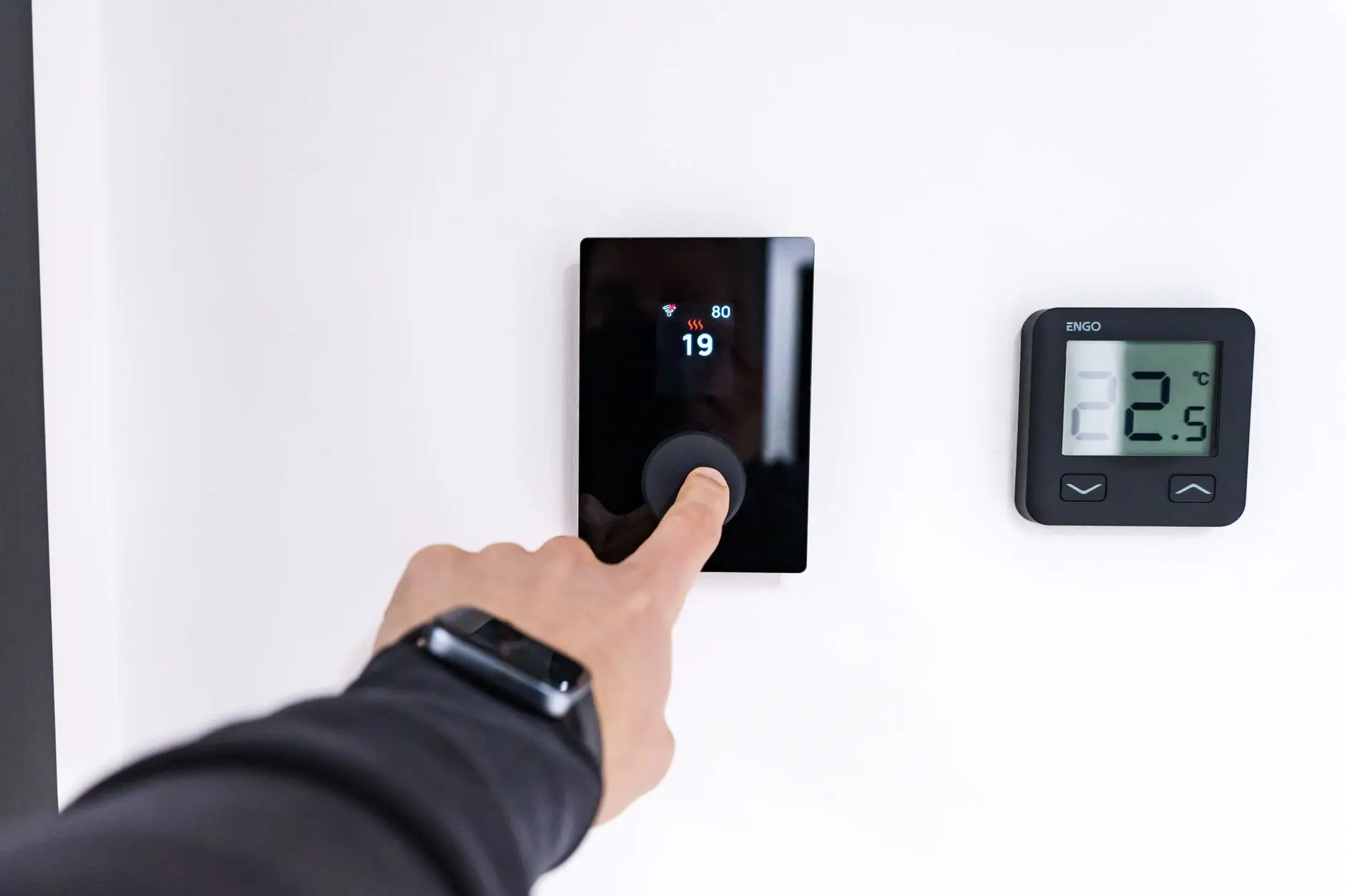
The thermostat is where compatibility mistakes cost the most, since it controls heating and cooling for the whole home. Matter includes a profile for thermostats, so a Matter-labelled model is the lower-risk choice for a home that already uses the standard. Before buying, confirm that the model suits the existing heating system, since that is an installation issue rather than a protocol one. The full process is in how to install a smart thermostat.
Video doorbell
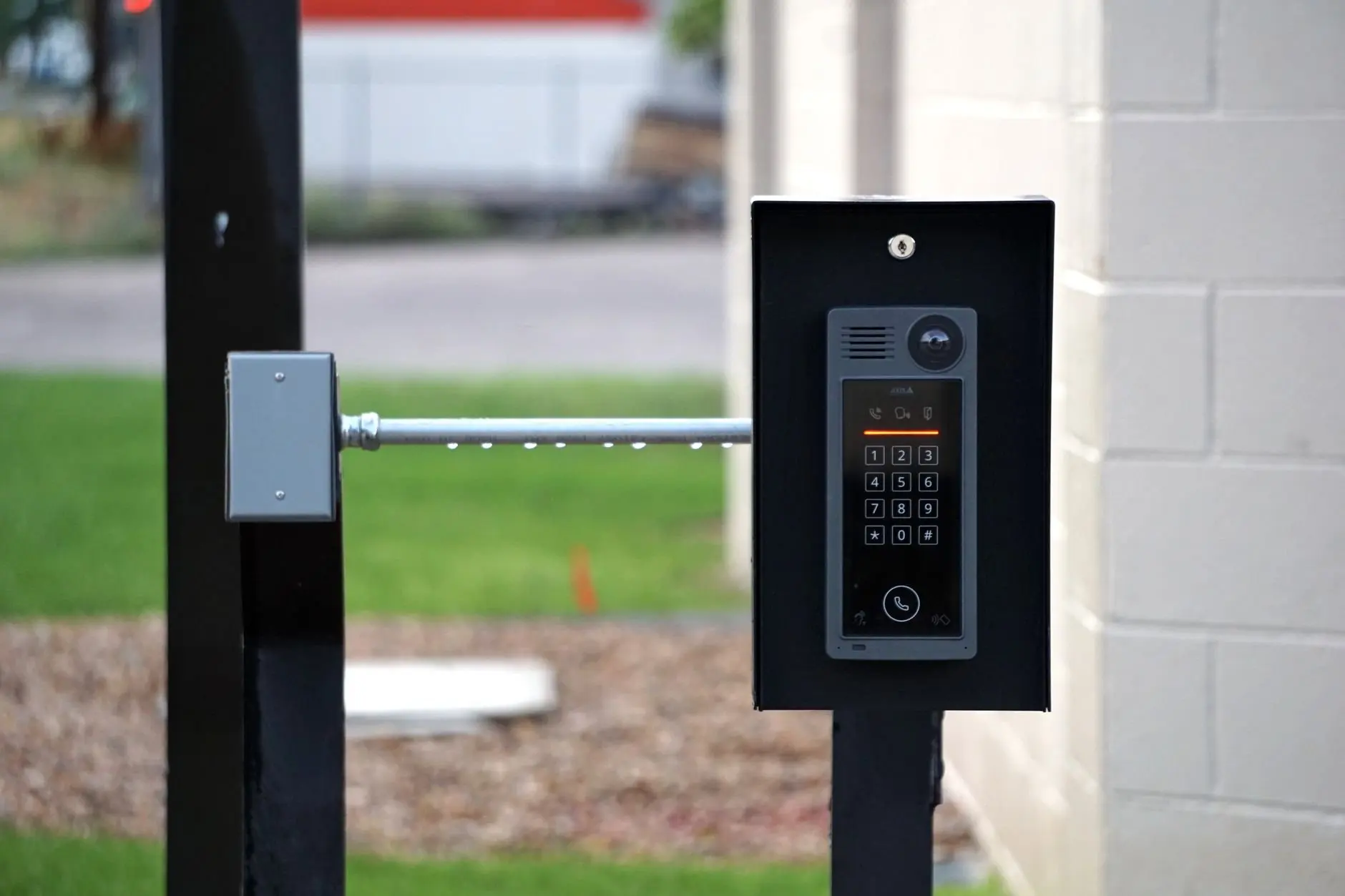
Video doorbells appear in the IoT Now list of everyday connected devices, next to smart light bulbs and air quality monitors. A doorbell is also the device most likely to be watching the street, so it deserves the careful account and password habits described in the security section. Step-by-step installation lives in how to install a video doorbell.
Smart lock
Door locks are among the device types Matter defines a profile for, which makes a Matter-labelled lock a reasonable choice in a home that already runs the standard. Because a lock protects the home physically as well as digitally, add it after the rest of the network has proved stable. The procedure is explained in how to install a smart lock.
Pairing and the control app
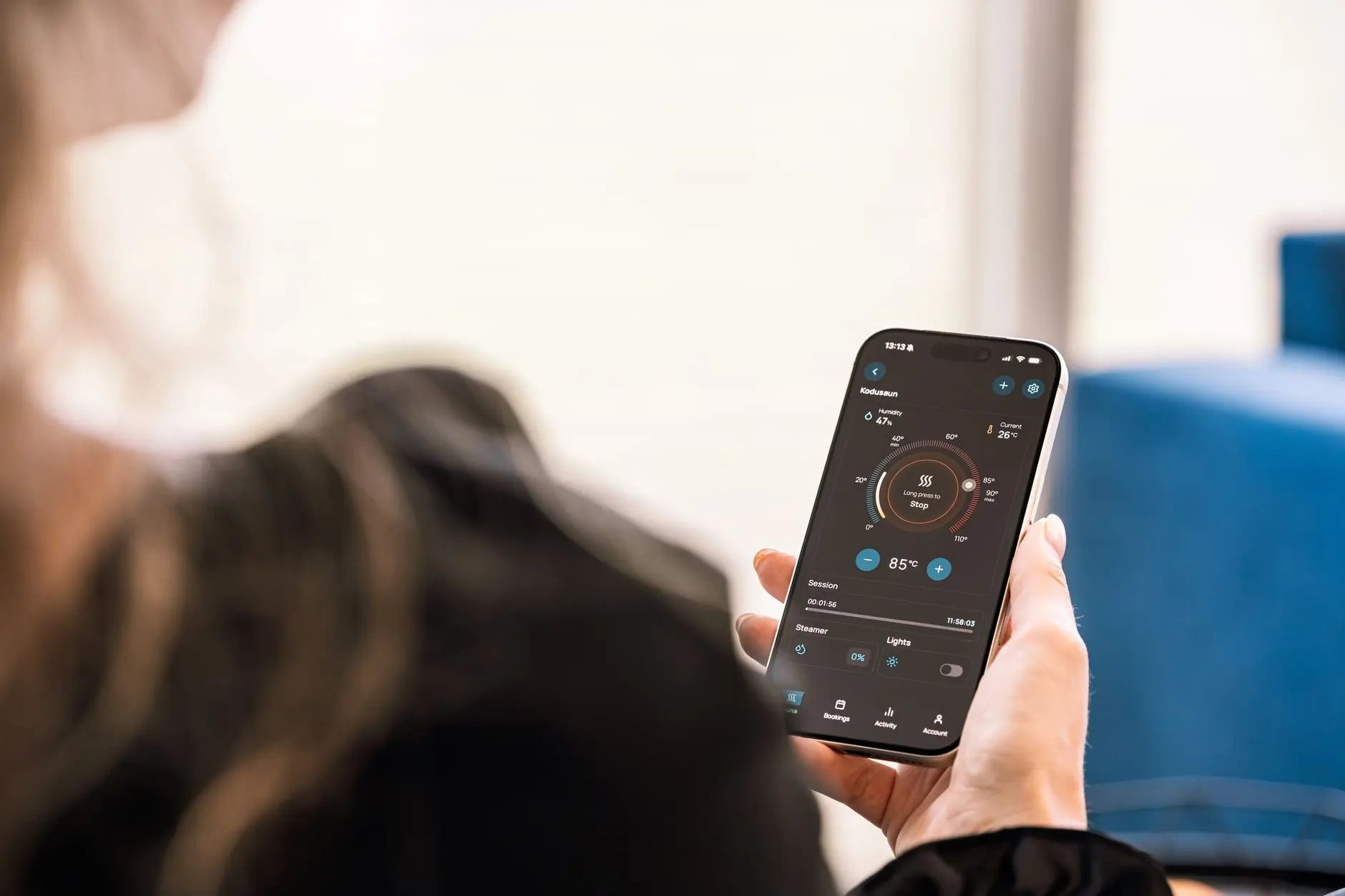
The app is where a smart home becomes usable day to day, so it is worth settling on one before adding many devices. A single app that controls plugs, bulbs and a thermostat is the practical sign that the home is on a shared standard. Needing a separate app for every device is a sign to slow down and check compatibility.
When pairing a Matter device, expect Bluetooth Low Energy to handle the introduction and the device then to join Wi-Fi or Thread. Smart Home Focus notes that Bluetooth LE is used only during setup. A pairing that stalls at that stage points to a phone or controller nearby issue, not a fault with the device’s long-term connection.
- Keep a 2.4 GHz network reachable. Many Matter devices do not join 5 GHz networks, which is a common reason for failed Wi-Fi pairing.
- Confirm the border router for Thread devices. Matter over Thread needs one, and many recent speakers and hubs include it.
- Add one device per session. That makes it clear which device is responsible when something goes wrong.
Security and privacy basics
Smart home devices can be reasonably secure, and the standard’s design is a good sign, though habits at home still matter. The IoT Now article says Matter’s security level provides encryption, signing and authentication, with confidentiality and protection across all the layers. The same article cites incontrol research finding that 71% of consumers fear personal information being stolen, so caution about smart home data is common.
Local control is a real benefit, but it has limits. Smart Home Focus is explicit that local control isn’t the same as private: voice requests and activity can still pass through the platform handling them. Choosing a Matter device reduces cloud round trips for lights and plugs; it does not remove the need to read the privacy settings of the app that runs the home.
The practical steps, from account hygiene to network separation, are laid out in how to secure smart home devices. For a beginner, the working rule is to treat cameras and locks as the highest priority, because they hold the most sensitive data and control access to the home.
Budget and rental constraints
Wireless systems are described as cost-friendly and easier to install, which is the foundation for any cheap smart home setup. Zigbee is also noted for being cheaper than Bluetooth and Wi-Fi, so a cost-led buyer may find Zigbee devices appeal, provided the short range suits the layout.
Renters benefit most from plug-in and screw-in devices, since they leave no permanent change behind. Plugs and bulbs fit that description, and a controller moves with the tenant. Anyone in a rented property can read smart home for renters for the devices that carry over to the next home easily, and for the changes that need the landlord’s permission.
Buying in a sensible order also protects the budget. A plug and a bulb on a shared standard cost less to replace than a thermostat bought before the home network was ready, and the knowledge gained from the cheap devices improves every later purchase.
Frequently asked questions
| Question | Answer |
|---|---|
| How do I start building a smart home? | Begin with a wireless, plug-in device such as a smart plug, because wireless systems are easier to install, according to Meteor Electrical. Add devices one at a time and pick the control app before buying more. |
| Is Thread the same as Matter? | No. Matter is the standard that devices speak, and Thread is one of the networks it runs on, alongside Wi-Fi, per Smart Home Focus. |
| What does a Matter controller do? | A Matter controller in a smart home system acts as a bridge for devices into third-party Matter ecosystems, as the Connectivity Standards Alliance describes. |
| Why would a Matter device fail to join my Wi-Fi? | Many Matter devices do not join 5 GHz networks, so keep a 2.4 GHz network available during setup. |