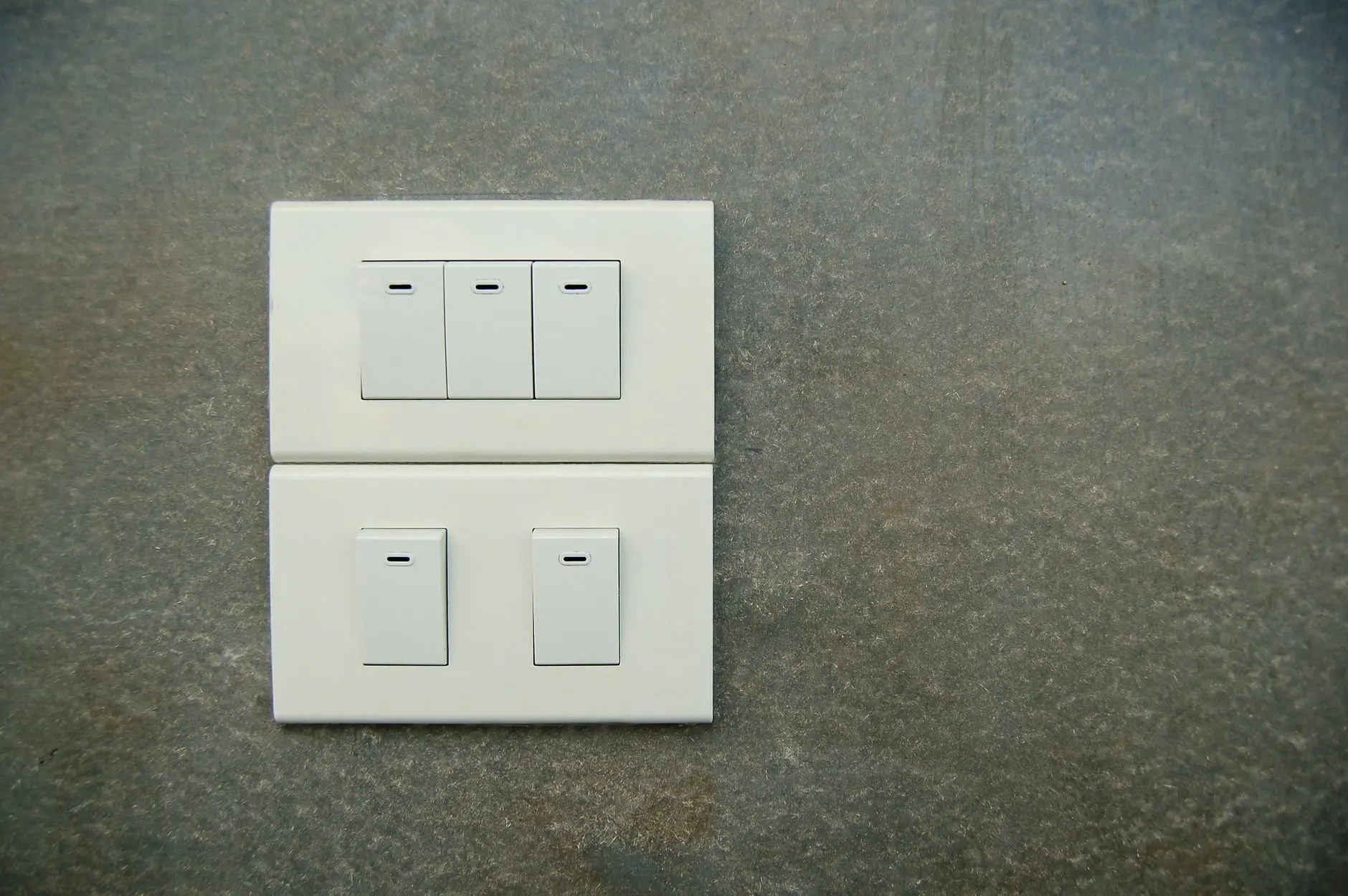
Here is how to install a smart light switch: cut power at the breaker, confirm it with a voltage tester, label the wires, then match them to the switch terminals. Check for a neutral wire first.
A smart switch replaces the wall switch you already have, so it suits anyone comfortable identifying wires at the box. It is one building block of how to set up a smart home, and the wiring work comes before any app pairing. If you are still choosing hardware, the shortlist of best smart home devices for beginners puts switches in context with other starter products.
Before you start
Most failed installs come from skipping the checks below, not from the wiring itself. Gather these before touching the wall plate.
- The right switch type: a single-pole switch controls one light from one location, while a three-way switch controls one light from two locations, such as the top and bottom of a staircase. Count how many switches currently operate the light before you buy.
- A neutral wire at the box: some homes may require a neutral wire for installation. Look for one before choosing a model, because the answer decides which switch you can use.
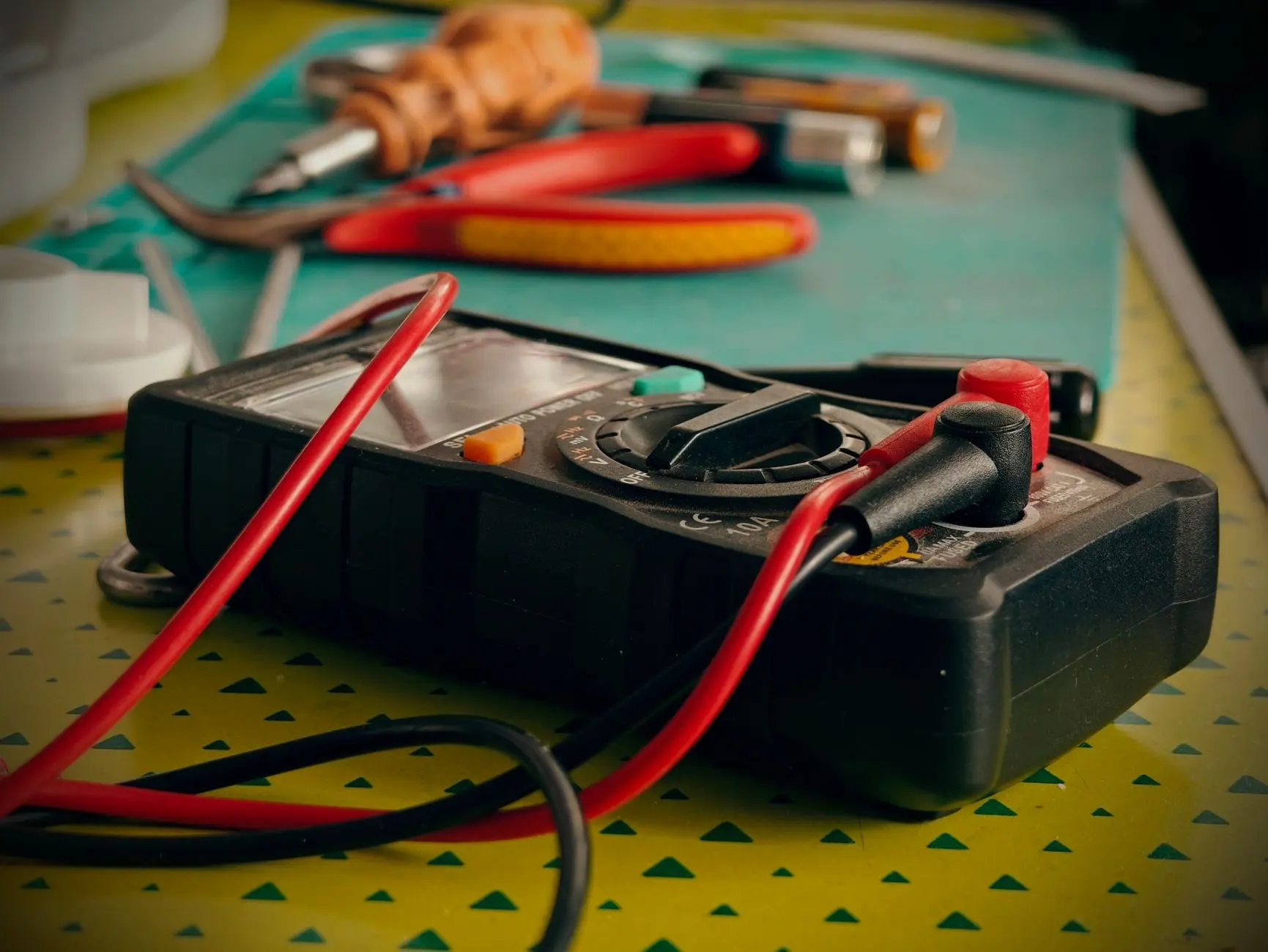
- A voltage tester: it confirms that no electricity is flowing through the wires before you handle them.
- Labels and a phone: you will mark the existing wires and later use the phone for pairing.
- Router range: the switch needs to be within range of your Wi-Fi router, so check signal at the switch location in advance.
- Permission and confidence: a wired switch changes the building’s wiring. Tenants should read smart home for renters before starting, and anyone unsure about wiring should hire a professional electrician. Rules on who may replace a switch vary by location, so check local requirements first.
Installation steps
The sequence below follows a smart-lighting installation guide for wired switches, with added judgement on where to slow down.
Step 1: Turn off the power at the breaker
Switch off the circuit breaker that feeds the light before removing the faceplate. Flipping the wall switch to off is not enough, because the wires in the box can stay live with the switch in either position.
Step 2: Confirm the wires are dead
Use a voltage tester to confirm that no electricity is flowing through the wires. Test every wire in the box, not just the one you expect to be live. If the tester shows current, return to the panel and find the correct breaker rather than continuing.
Step 3: Remove the plate and label the wires
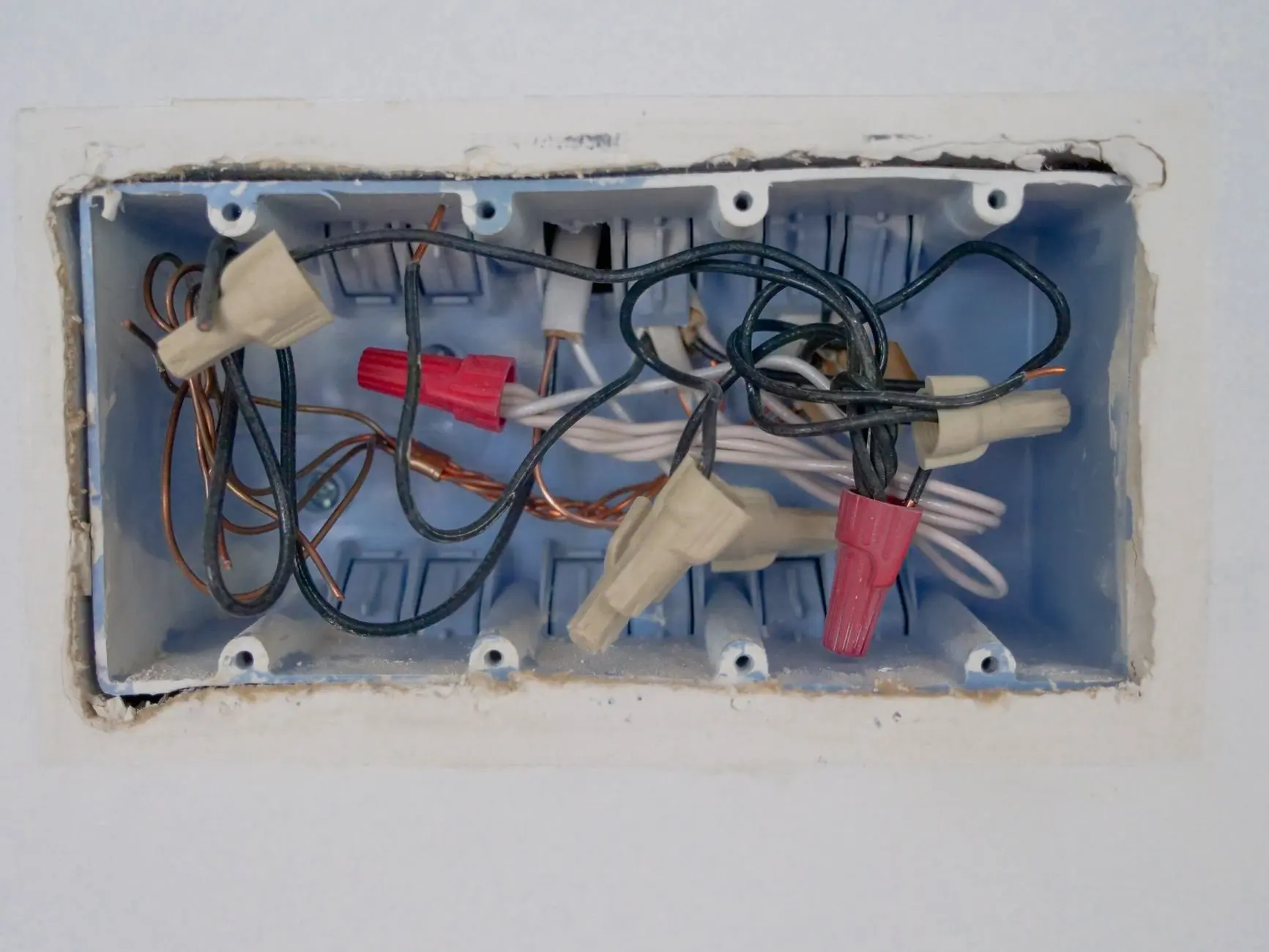
Unscrew the faceplate and pull the old switch out of the box. Identify and label the wires in your existing switch box before disconnecting anything. A typical box holds a hot wire, a neutral wire and a ground wire. Tape and a marker are enough, and labels let you reconnect correctly if a connection needs redoing.
Step 4: Identify line, load and neutral
The line wire brings power in from the breaker, and the load wire carries power out to the light. The neutral wire completes the circuit for the switch’s own electronics. Smart switches need this because they stay powered even when the light is off. If you cannot tell which wire is which after labelling, stop and consult a professional electrician.
If the box has no neutral wire, the supported options are to consult an electrician or to choose a compatible switch designed for that situation. Do not guess, and do not attach a neutral terminal to another wire to make the switch fit.
Step 5: Connect the wires to the matching terminals
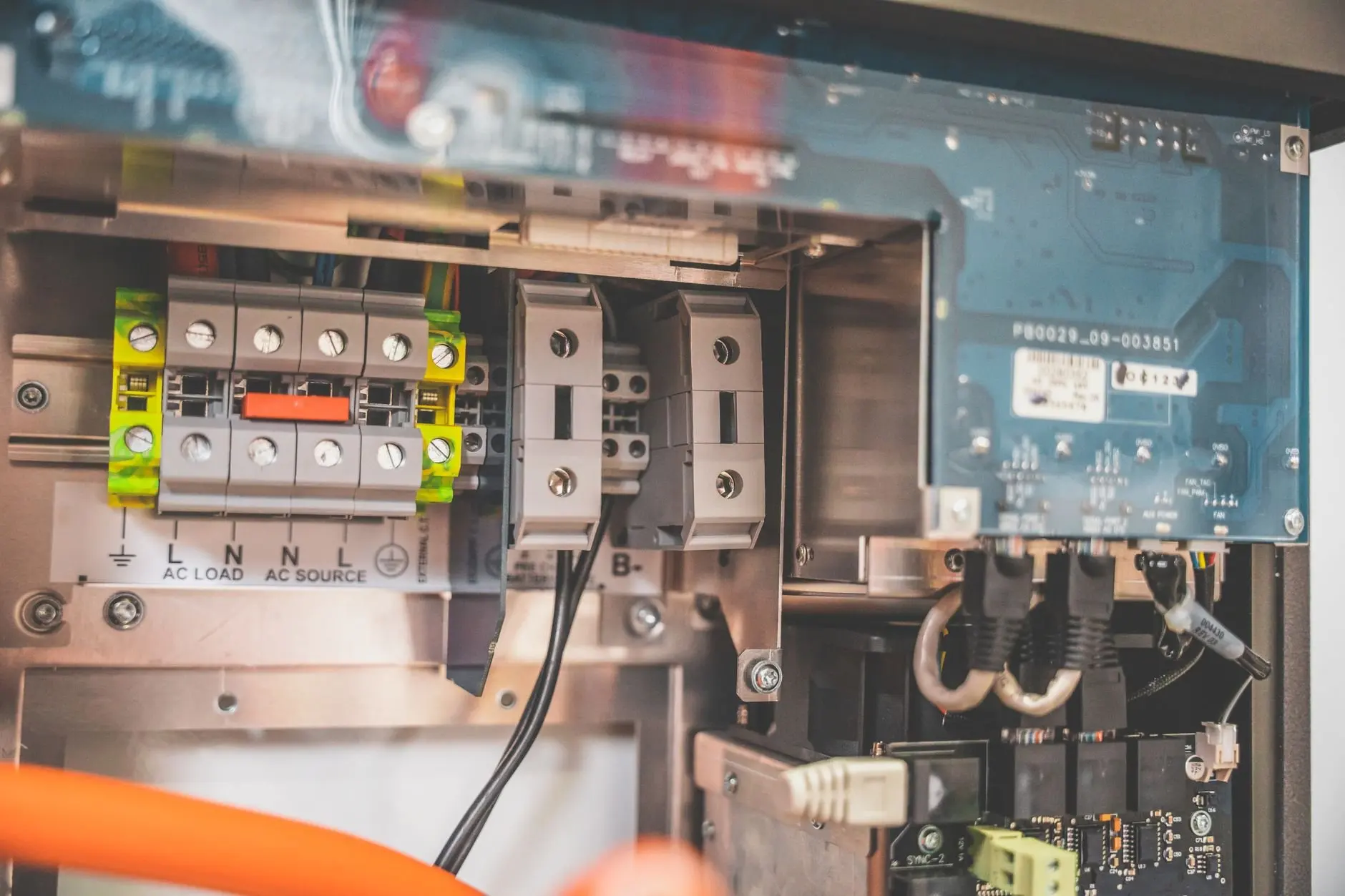
Connect the labeled wires to the corresponding terminals on the switch. Follow the terminal markings and the diagram in the manufacturer’s manual, because layouts differ between models. Line goes to the line terminal, load to the load terminal, neutral to neutral and ground to ground.
Step 6: Double-check before mounting
Ensure each connection is secure and double-check the wiring before proceeding. Compare every wire against your labels one more time. Only then fold the wires back into the box, secure the switch and fit the plate.
Step 7: Restore power and pair the switch
Turn the breaker back on and follow the manufacturer’s app to add the switch to your Wi-Fi network. Keep the phone close to the switch during pairing. Once it appears in the app, test the switch both from the wall and from the phone.
Three-way switches and dimmers
How a three-way setup works
Three-way switches allow control from two locations, which makes them a fit for hallways and staircases. A single-pole switch, by contrast, controls one light from a single location. In a three-way circuit, two switches share control of the same light, so replacing only one needs extra care. Label every wire in the box, including the ones that run between the two switch locations, and note which terminals they came from before disconnecting them.
Many installs of this type have a companion switch at the other end of the run, and the manufacturer’s manual should say how that second switch is handled. If the labelled wires do not match the diagram for either switch, that is a stopping point and a reason to call a professional electrician, not a puzzle to solve by trial and error.
Choosing a dimmer
Dimmer switches let you adjust brightness levels, adding flexibility to your lighting. Choose a dimmer model only when the light you are controlling is meant to be dimmed, and check the manufacturer’s compatibility notes for the bulbs or fixture before buying. The wiring steps above are the same as for a standard smart switch; what changes is the extra control for brightness in the app.
Troubleshooting Wi-Fi connection
When a smart switch will not connect to Wi-Fi, work from the simplest cause to the most involved one.
- Check range: make sure the device is within range of your Wi-Fi router, since a weak signal at the wall is a common reason pairing fails.
- Restart the router: sometimes a simple restart of the Wi-Fi router can fix connectivity problems, as noted in a smart-lighting setup guide.
- Re-check the wiring: if the switch never powers up or behaves oddly, switch the breaker off, confirm with the tester and compare each connection with your labels and the manual’s diagram.
- Stop and ask for help: if the switch still fails after the wiring matches the diagram, consult a professional electrician instead of reworking connections repeatedly.
Checkpoint summary
| Checkpoint | What to confirm | Planning use |
|---|---|---|
| Power | Breaker off, then tester shows no current | Do not remove wires until both are done. |
| Wire labels | Hot, neutral and ground identified and marked | Lets you reconnect accurately if a connection fails. |
| Neutral | Present at the box, or a compatible switch chosen | Decide the switch model before purchase. |
| Connections | Each wire on its matching terminal, double-checked | Verify before mounting and restoring power. |
| Wi-Fi | Switch within router range | Test signal at the switch before pairing. |
These checkpoints draw on the same wired-switch installation guide described earlier.
Frequently asked questions
Do I need a neutral wire for a smart switch?
Not every home has a neutral wire in the switch box, so check before buying. If the box has none, consult an electrician or choose a compatible switch.
How do I install a smart light switch step by step?
Switch off the breaker, test the wires, label them, connect them to the matching terminals, double-check, restore power and pair the switch in its app.
Why won’t my smart switch connect to Wi-Fi?
Start by checking that the switch is within router range, then restart the router. If it still fails, re-check the wiring against the manual’s diagram.
Can I install a smart switch myself?
Only if you are comfortable identifying and labelling the wires. If you are unsure about wiring, consult a professional electrician to keep the installation safe and effective.