The best tech gadgets are the ones that fix a daily annoyance and publish specs you can check: a power bank for a flat phone, a tracker for lost keys, a watch for a wrist. Decide the problem first, then compare specs.
The first decision is power. If your phone runs out of charge away from a socket, start with a power bank. If charging at home or in the car is the pain point, start with chargers and cables. Every other gadget below is worth considering only after that gap is closed.
Where to start: match the gadget to the problem
A gadget earns its place when it removes a repeated frustration, and most frustrations fall into a few groups. Work through the choices below and stop at the first one that describes your week.
- Phone dies while you are out. A power bank is the first purchase. The capacity and safety sections below explain what to compare.
- Charging is slow, messy or cable-dependent at a desk or bedside. Decide between a wireless pad and a wired USB-C charger, then read the wireless and accessory sections.
- Keys, bags or luggage go missing. A Bluetooth tracker is the cheapest fix, and the tracker section covers what to weigh.
- You want health data, notifications or workout tracking on the wrist. A smartwatch or a simpler band suits this, and the wearables section compares stated battery life.
- You drive a lot. Compare best car chargers and the best phone car mount options, since a mounted phone that is also charging solves two problems at once.
- You travel often. The best travel gadgets guide pulls together the items that matter on the move.
If none of these fits, the final gadget section covers desk and entertainment devices that suit specific habits rather than universal needs. Before shopping, it helps to know how to judge any claim on a product page.
Compare published specs, not marketing words
Specs let you compare gadgets on equal terms, because a number with a unit means the same thing on every product page. Adjectives such as “fast”, “powerful” or “all-day” do not.
Four kinds of figure carry most of the decisions in this guide:
- Capacity in mAh. This tells you how much charge a power bank can store, so it sets how many refills a phone gets.
- Power in watts. Wattage describes how quickly energy moves, in either direction. A power bank has an output figure for charging your devices and an input figure for refilling itself, and they are not interchangeable.
- Stated battery life. Wearables quote hours or days, usually as an upper figure, so read “up to” as a ceiling rather than a promise.
- Standards and certification. Names such as Qi for wireless charging and USB Power Delivery for wired charging tell you the product follows a published specification rather than a private one.
Manufacturer spec sheets are the right place to confirm these figures, and standards bodies such as the USB Implementers Forum and the Wireless Power Consortium publish the underlying specifications. If you plan to fly with a power bank, airline and aviation authority battery rules also apply, so check them before buying a large unit.
Treat price the same way. Compare the cost per feature you actually use, not the headline discount, and be wary of any gadget that lists a wattage or capacity without a unit. The next section applies these checks to the most useful gadget category for most readers.
Power banks: capacity, input speed and safety
A power bank is the most broadly useful gadget here because it protects every other device you carry. Choosing one comes down to capacity, how fast it refills, which ports it offers and whether it has proper protection circuitry.
How much capacity you need
According to a wireless power bank buying guide, most wireless models range from 5,000mAh to 20,000mAh, and 5,000 to 10,000mAh is enough for one full phone charge. That makes capacity a decision about how many charges you want before you return to a socket.
- Emergency top-up: a capacity at the low end of the range covers a single phone recharge and keeps the unit small. It suits a bag or jacket pocket.
- Full day away or a shared device: move toward the upper end of the range if you also charge earbuds, a watch or a second phone.
- Slim carry: one roundup of top-selling power banks describes a slim, half-inch frame that is said to give about four or five full iPhone charges, which shows that thin does not have to mean small capacity.
Do not buy the biggest capacity by default. Larger units are bulkier and, for air travel, are the ones most likely to run into carry-on battery rules. Pick the lowest capacity that matches your real usage.
Input speed and port choice
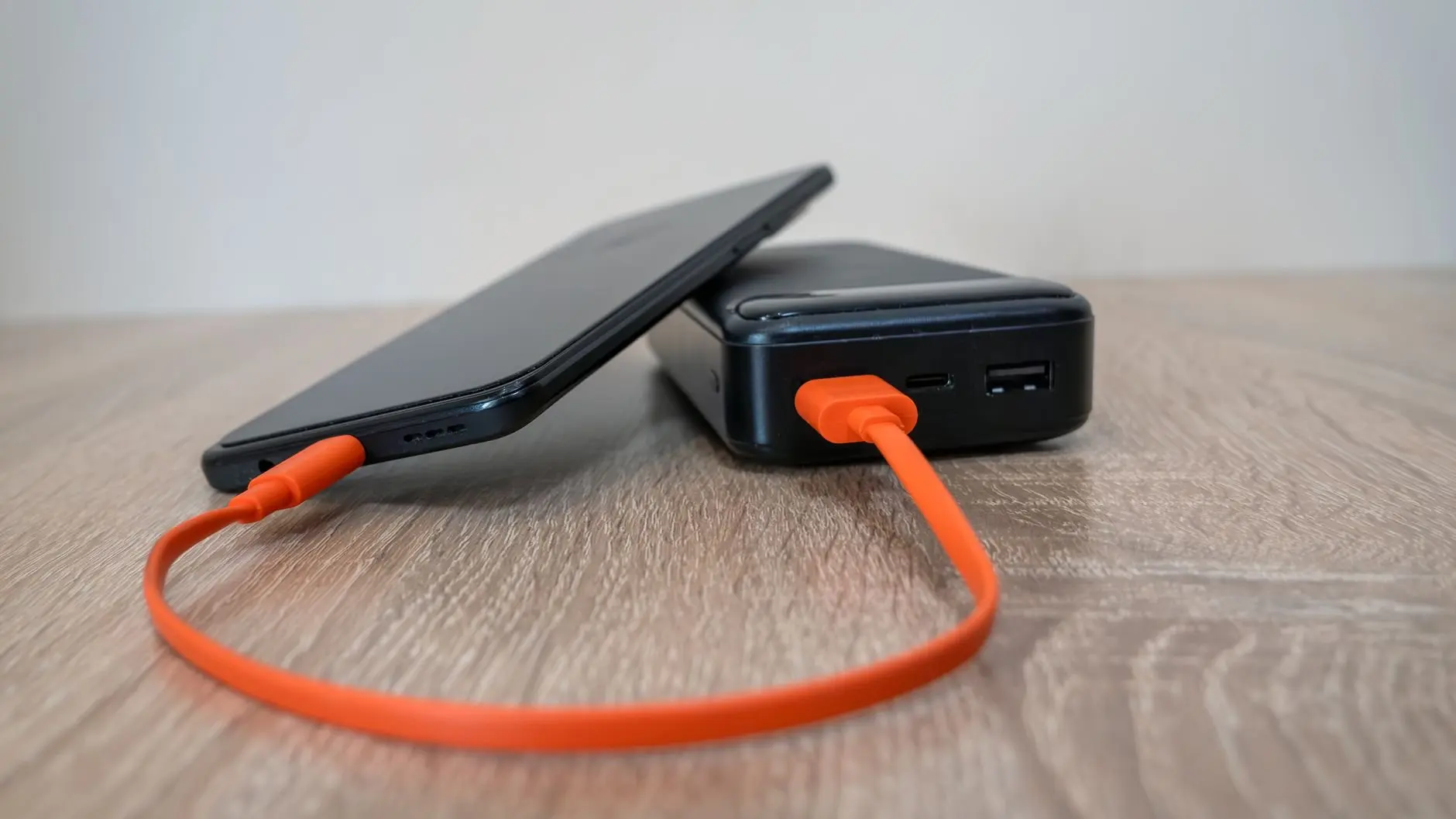
The same guide advises looking for at least 18W input for a rapid refill, and notes that USB-C PD charges the power bank itself faster than micro-USB. A power bank that refills slowly is easy to forget on the charger, so input speed matters as much as capacity for people who recharge overnight.
If you are still choosing between port types for your phone and accessories, the usb-c vs lightning comparison explains which connector suits which device. For a ranked shortlist of specific models, see the best power banks guide.
Safety features and what to avoid
The buying guide lists the essential safeguards as over-voltage, over-current, short-circuit and temperature control. It also warns that unbranded or uncertified units may lack proper circuitry, which can pose fire risks or damage devices. Choose a recognised brand and a product page that names its protections, and pass on anything that lists only a large capacity.
Some power banks also include a sensor that detects the voltage and amp requirements of a connected device, as described in the top-selling power bank roundup. That feature is useful when one bank charges different devices, because it adjusts without any setup.
When your needs outgrow a pocket-sized unit, such as camping, remote work or backup power, the best portable power station guide covers the larger category. The next question is whether you want the power bank, or a desk charger, to work without a cable at all.
Wireless charging versus wired charging
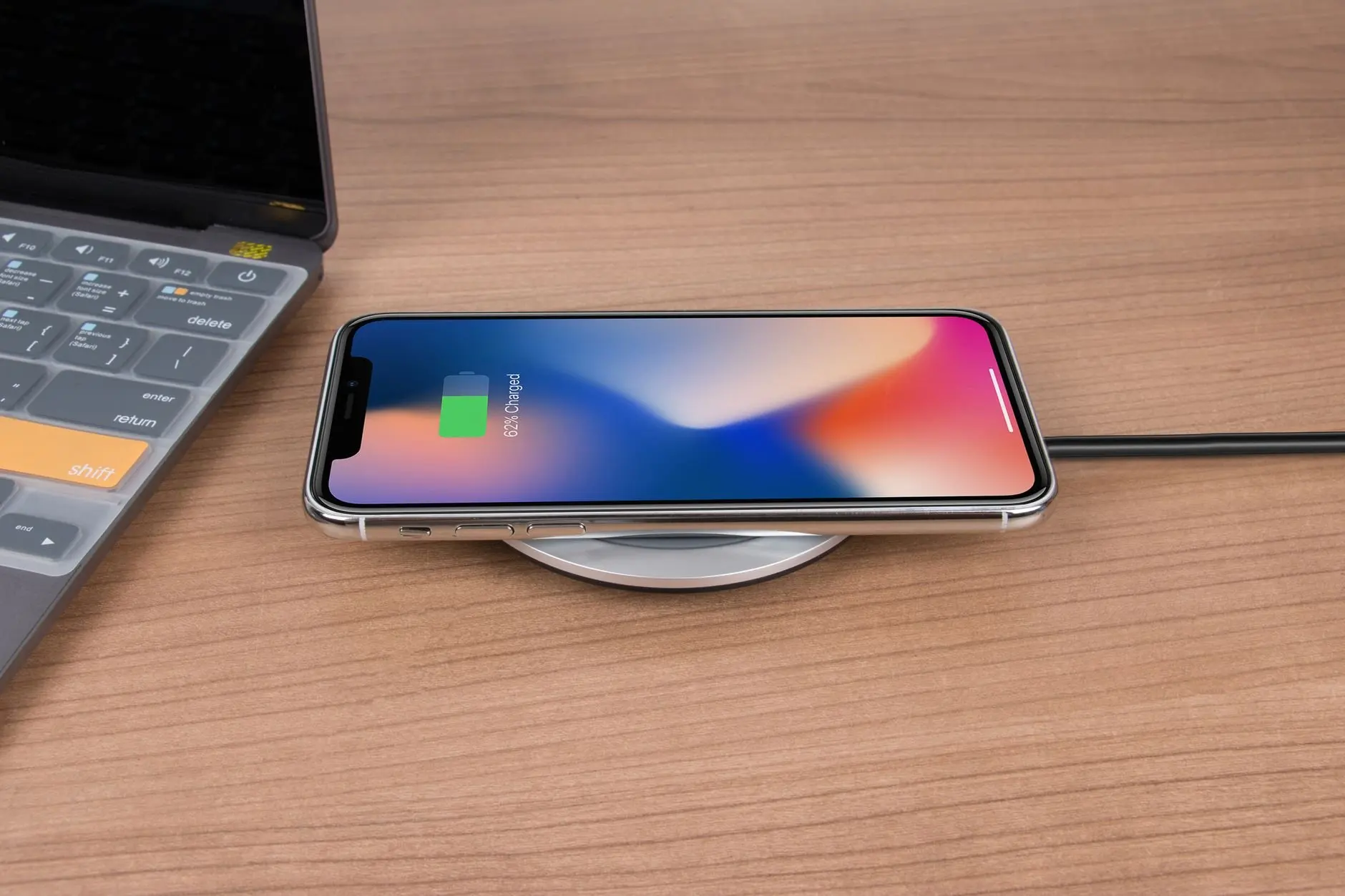
Wireless charging is slower than wired USB-C PD, so it suits convenience charging rather than urgent top-ups. The buying guide states plainly that wireless is generally slower than wired USB-C PD, and the published output figures show why.
What Qi output looks like
Standard Qi charging typically delivers 5W, according to the same buying guide. Many modern power banks offer 7.5W for iPhones, and some Android models support 10W or 15W. Wired input on a power bank, by comparison, is recommended at 18W or more. Read the output figure for your own phone before deciding that wireless will keep up with your routine.
Two example products from that guide show how specs and price relate. The Anker PowerCore Magnetic 5K is 5,000mAh with 15W output and MagSafe compatibility, priced at $59.99. The Belkin BoostCharge Pro 10K is 10,000mAh with 10W Qi output, priced at $79.99. The first is smaller and faster wirelessly, while the second stores twice the charge at a lower wireless speed, so the better choice depends on whether you value capacity or wireless pace.
The trade-offs of going cable-free
- Speed: wireless is generally slower than wired USB-C PD, so keep a cable for days when you need a fast top-up.
- Heat: inductive charging produces more heat, which can degrade battery life over time. That is a reason to use wireless for overnight or desk charging and a cable when the phone is already warm.
- Alignment: devices must be precisely aligned, and movement breaks the connection. A pad works best on a desk or nightstand, and poorly in a moving car or a bag.
- Cost: wireless versions typically cost $10 to $20 more than comparable wired-only models.
Wireless is best as a habit-based convenience: drop the phone on a pad at the end of the day and forget it. If your phone supports magnetic alignment, the best magsafe accessories guide covers the accessories built around that attachment. Look for Qi-certified pads, and the FAQ below explains what certification means. For wired charging, the right accessories are the next consideration.
Wall chargers, cables and multi-device charging
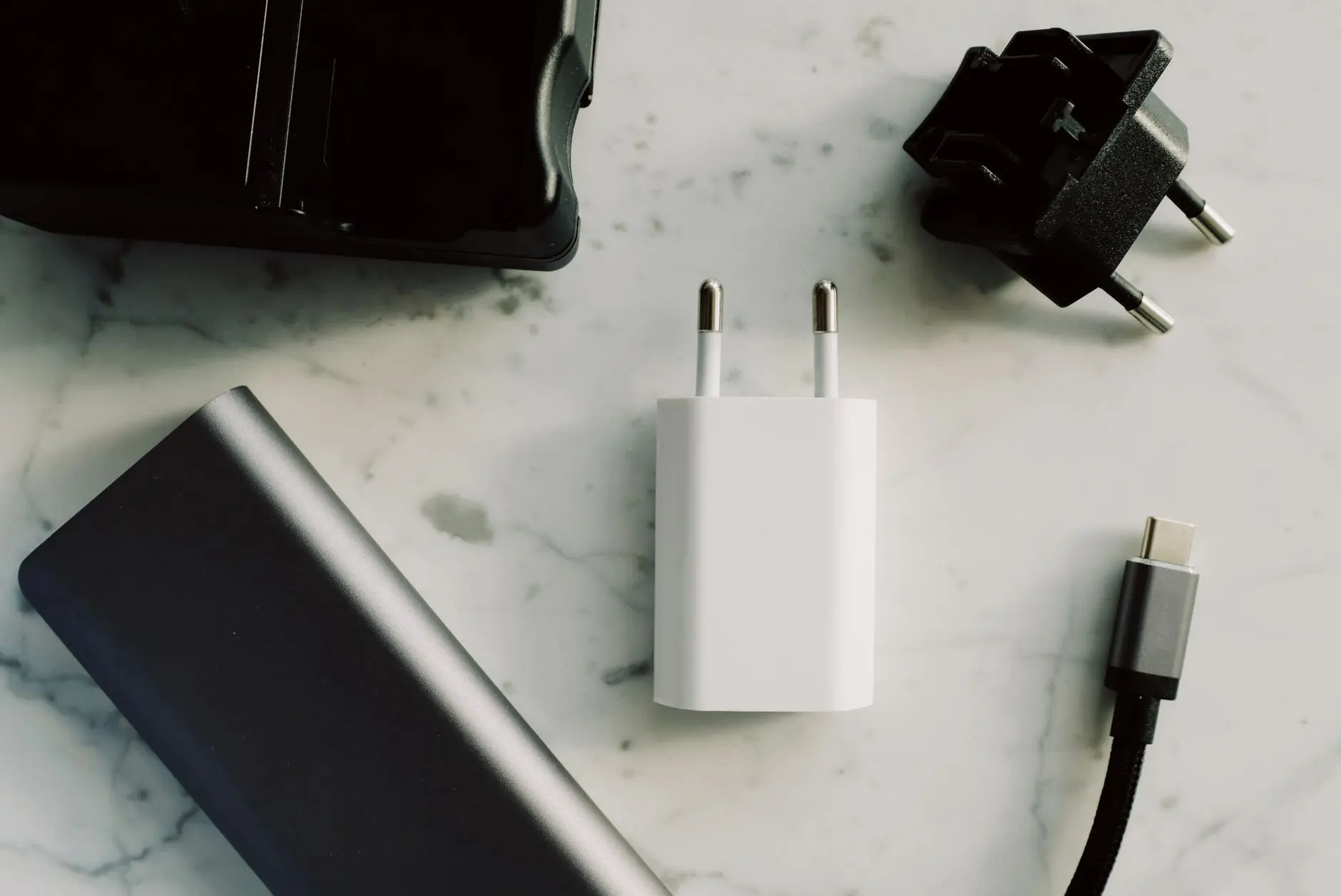
A good wired setup is the quickest way to charge, and it starts with matching the charger and cable to the standard your devices use. USB-C with Power Delivery is the common baseline for faster wired charging, and the earlier guidance on at least 18W input is a useful minimum for power banks.
Three accessory choices tend to decide how well a wired setup works:
- The wall charger. Compact multiport chargers are often built with gallium nitride, and the guide on what is a gan charger explains how they differ from older bricks and when the smaller size matters.
- The cable. A charger can only deliver what the cable allows, so a cable that suits your charger is not an optional extra. The best usb-c cables guide covers how to choose one.
- The number of ports. If a phone, a watch and earbuds all charge nightly, a single multi-device unit tidies the bedside. The best charging station for multiple devices guide compares the options.
Buy the charger for the device that charges most often, then check that the other devices can use the same port. A charger that does everything slowly is less useful than one that does your main job properly. With power sorted, the next gadgets are about finding things and tracking health.
Bluetooth trackers for keys, bags and wallets
A Bluetooth tracker attaches to something you lose and shows its last known location through your phone. It is among the cheapest everyday gadgets, and the best value for anyone who regularly searches for keys.
The choice that matters most is compatibility with the phone you own, because trackers rely on a network and an app tied to a platform. Check which phones a given tracker supports before buying, and pick a form that suits the item: a key-ring tag for keys, a thin card shape for a wallet. Treat a tracker as a recovery aid and not as a guarantee, since it can only help when your phone can reach it or its network.
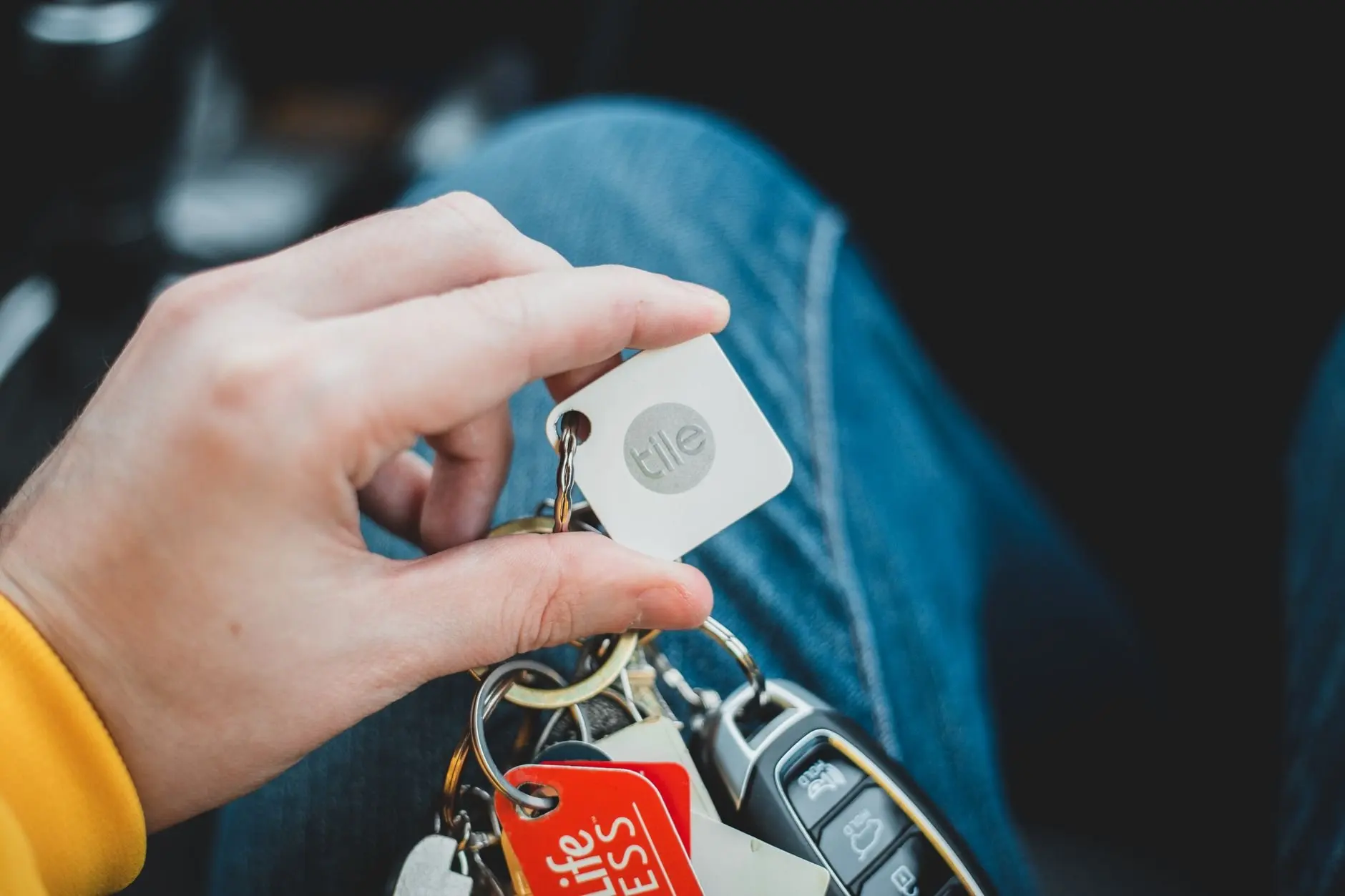
Because trackers are low-cost, they suit travel too. Attaching one to a bag adds a layer of reassurance, and the best travel gadgets guide, linked earlier, covers other carry-on gadgets worth considering. Wearables are the next category, and they ask for a more careful budget.
Smartwatches and fitness bands
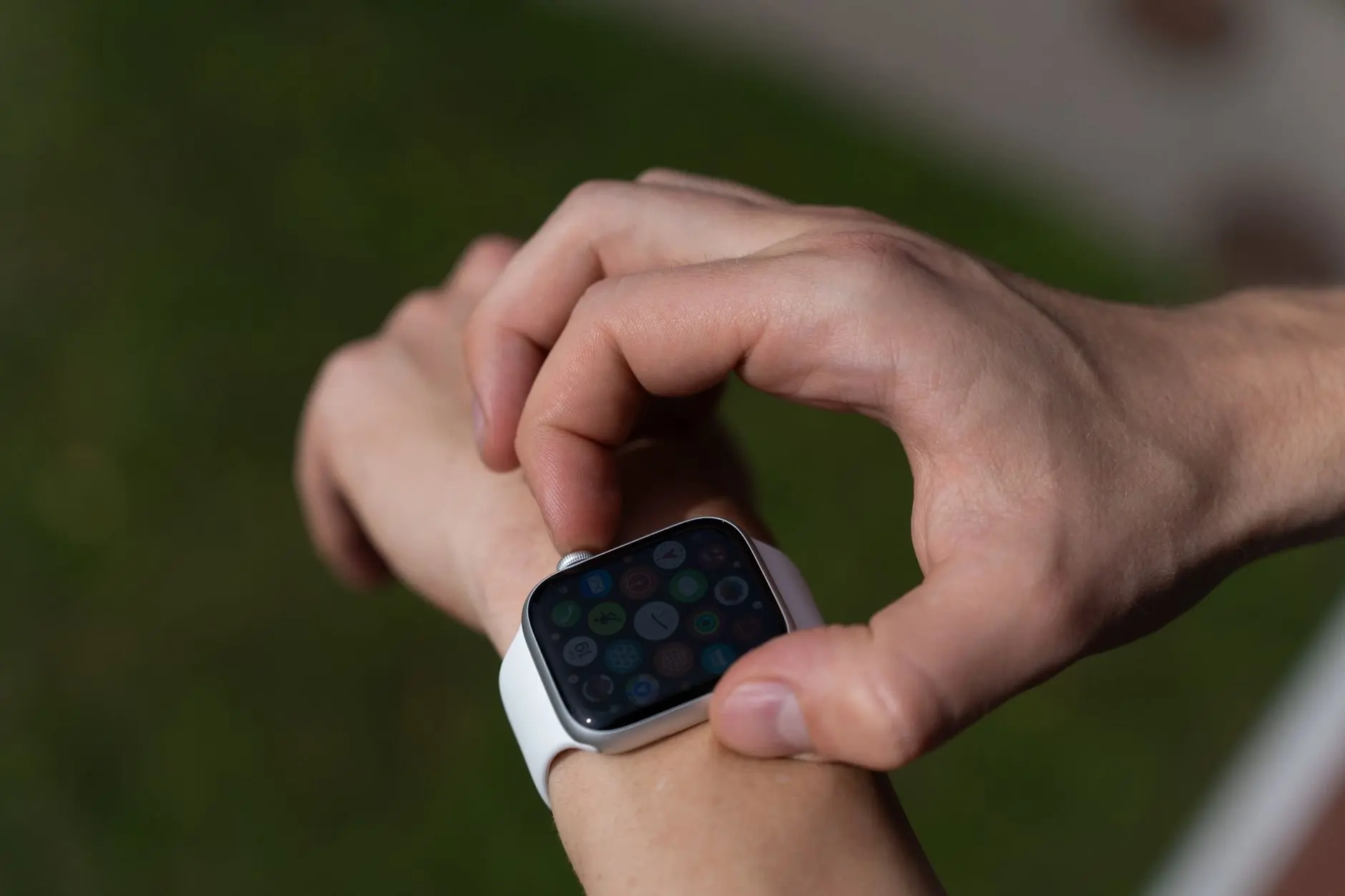
A smartwatch adds notifications and health features to your wrist, while a simpler band concentrates on tracking and battery life. The key difference is how often you want to charge it.
Smartwatches
Full smartwatches trade battery life for a bright screen and apps. A wearable buying guide advises that most people do not need the most expensive smartwatch, which is a sound reminder to pay only for the features you will use. The table below compares stated battery life across named models from that guide.
| Model | Type | Stated battery life | Planning use |
|---|---|---|---|
| Apple Watch Series 11 | Smartwatch | Up to 24 hours; starts at $399.00 | Plan on daily charging, so put a charger where you leave the watch overnight. |
| Samsung Galaxy Watch8 | Smartwatch | 1-2 days | Suits people who charge every day or every other day. |
| Garmin Forerunner 970 | Fitness watch | 15 days | Better for training and travel, with far fewer charging sessions. |
| HLTH Band | Screen-free band | 30+ days | Fits anyone who wants health tracking without a screen or regular charging. |
Figures are as stated in the wearable buying guide, and battery life in practice depends on how you use the device.
The table shows the clearest rule in this category: a brighter, richer watch needs charging more often. Choose by routine. If a nightly charge is already part of your day, a smartwatch with a full feature set is reasonable. If you want to forget about charging, favour the longer-lasting models. The best smartwatches guide compares them in more depth.
Fitness bands and other wearables
A band suits you if the goal is steps, sleep and workouts rather than apps. Bands generally cost less and last longer between charges, and the screen-free option in the table shows the far end of that trade-off. The best fitness trackers guide covers the category.
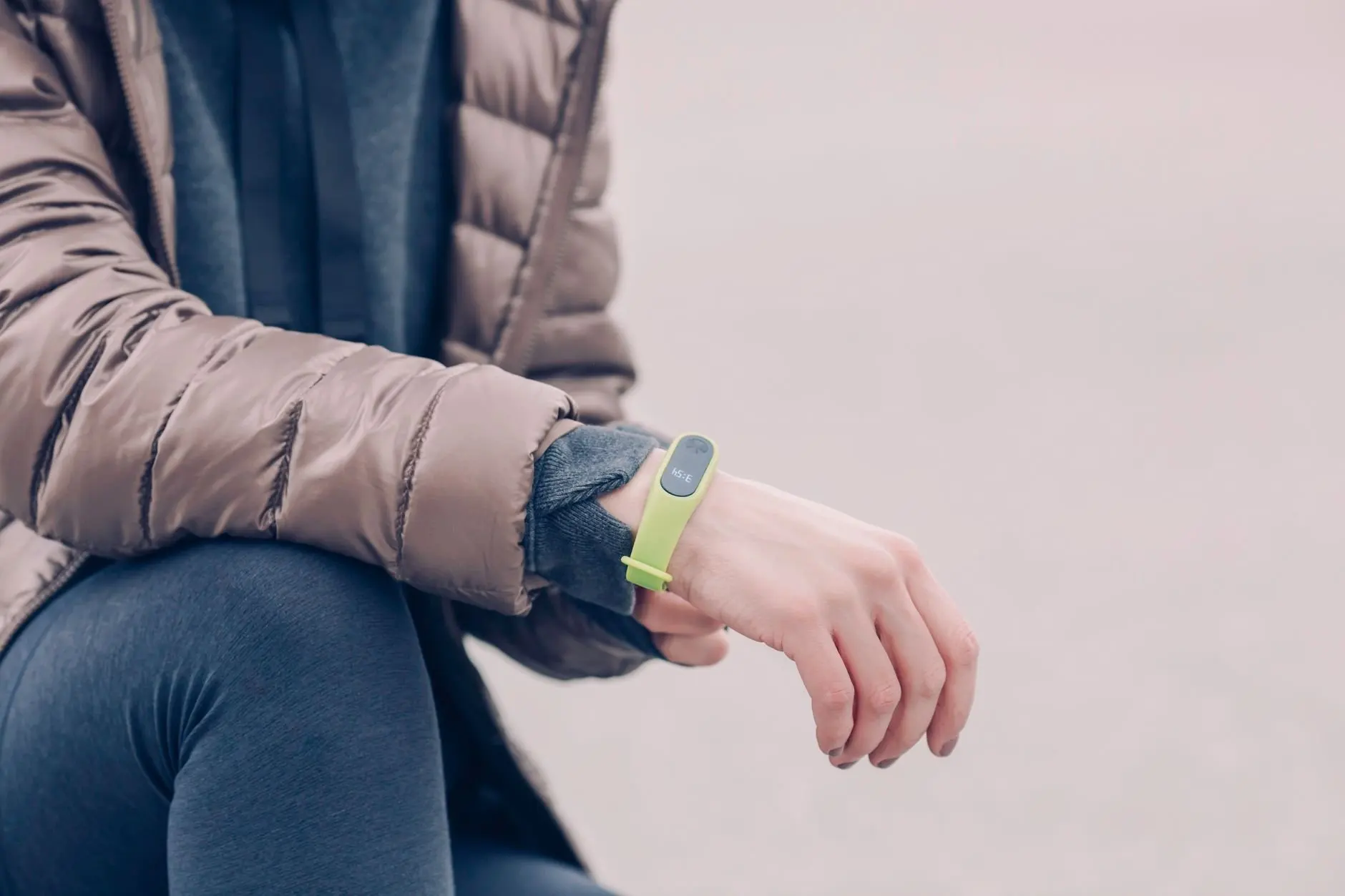
Wearables are also expanding into eyewear, and the best smart glasses guide is the place to look if you want a hands-free alternative to a watch. Whatever you pick, check how the device charges, since a proprietary dock is one more accessory to carry. After wearables, the remaining gadgets are specialist, so choose them by the work or leisure they serve.
Cameras, screens and desk gadgets
These gadgets suit specific habits and do not need to be on every list. Buy one only when a particular task keeps coming up, and compare it on the criteria that task demands rather than on general reviews.
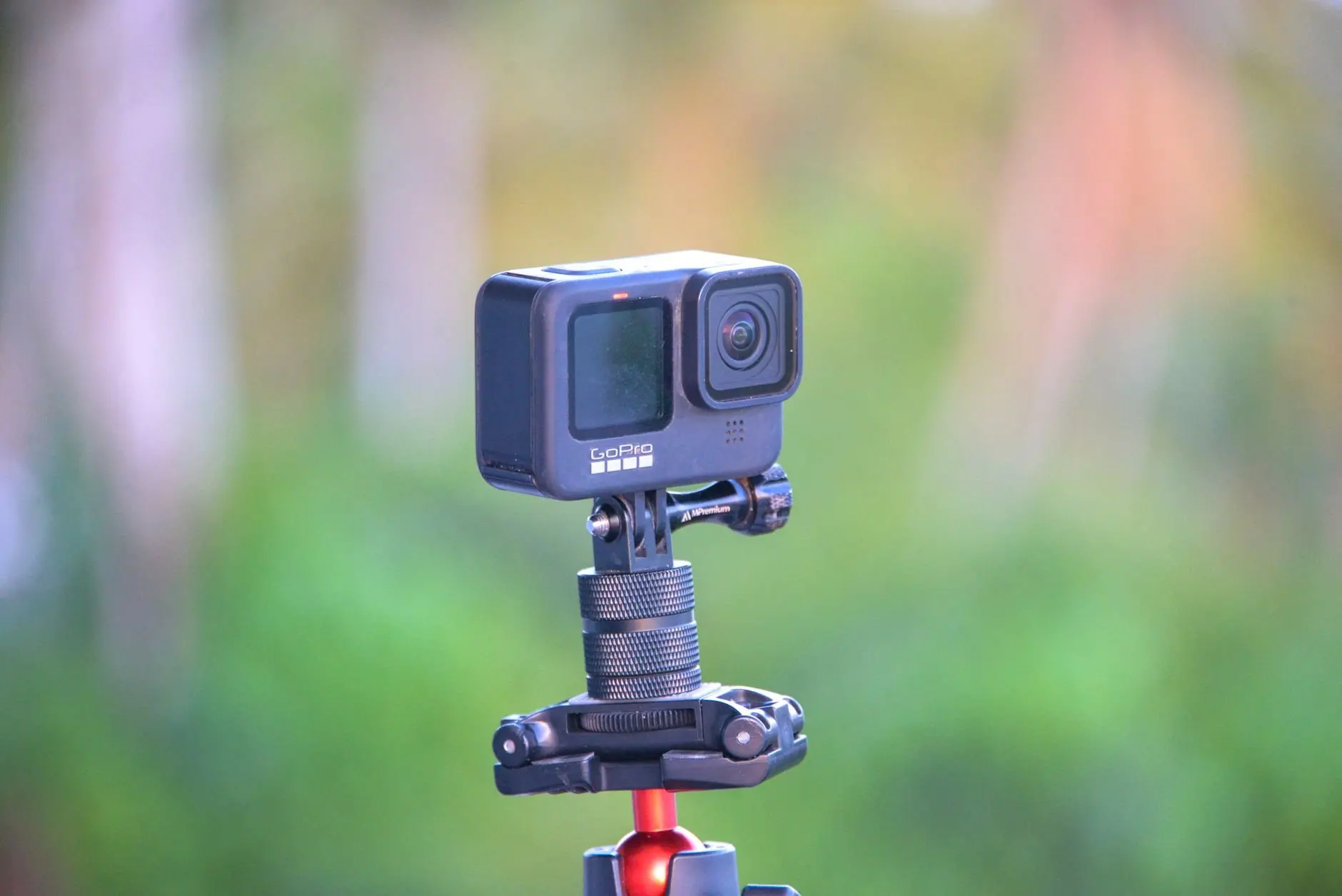
- Video calls. If you work from home, a best webcam comparison helps you improve the picture without replacing your laptop.
- Big-screen viewing. A best portable projector guide suits anyone who wants films or presentations without a fixed screen.
- Extra workspace. The best portable monitors guide is aimed at people who work across locations and need a second display.
- Comfortable input. A best wireless mouse choice depends on grip, hand size and how long you work each day.
- Reading. The best e-readers guide suits heavy readers who want a dedicated device and not another screen competing for attention.
- Music away from home. The best portable bluetooth speakers guide compares speakers for travel, picnics and the garden.
- Home routines. The best smart plugs guide covers a low-cost way to automate lamps and small appliances.
Many of these gadgets run on rechargeable batteries, so everything said earlier about capacity, wattage and cables applies here too. A projector, monitor or speaker that you take on trips is only convenient if you can power it without extra effort.
When to buy, wait or skip
Buy now when the gadget solves a problem you hit weekly, and wait when you are buying for a feature you might use. A well-chosen power bank or charger pays back quickly, whereas a gadget bought on impulse often sits in a drawer.
- Buy: a power bank, a suitable wired charger and cable, and a tracker if you lose things. These items address problems that recur and depend on published specs you can verify.
- Wait: a premium smartwatch, unless you will use its extra features. As noted earlier, most people do not need the most expensive model.
- Skip: unbranded power banks with no named protections, for the circuitry and fire-risk reasons covered above, and any product that lists a number without a unit.
Be sceptical of large discounts on listings. A price shown as reduced is only useful if the product matches the spec you need, so check capacity, wattage and compatibility before the price. With the reasoning set out, the remaining questions are quick ones.
Frequently asked questions
What does Qi certification guarantee?
Qi certification is tied to standards set by the Wireless Power Consortium, and it is meant to ensure interoperability, efficiency and adherence to safety standards. It makes a certified pad a safer default than an uncertified one, though it does not make wireless charging as fast as a cable.
Do I need the most expensive smartwatch?
Usually not. A wearable buying guide advises that most people do not need the most expensive smartwatch, so choose by battery life and the features you will use. The Apple Watch Series 11, for example, starts at $399.00, while simpler bands cost less and last longer between charges.
How much does a Bluetooth tracker cost?
Trackers are among the cheapest gadgets. A roundup of top-selling deals listed the Tile Mate at $18, down from $27. Prices change often, so treat that as a snapshot and check the current price.
What is a typical price for a wireless power bank?
As of 2024, wireless power banks typically cost between $25 and $80, depending on capacity, brand and features. Unusually cheap unbranded units are the ones to avoid, because they may lack proper protection circuitry.