| Headset | Documented detail | Planning use |
|---|---|---|
| Astro A50 X | HDMI 2.1 passthrough for PS5, Xbox Series X and PC, 24-hour battery | Suits a household that switches between a console and a PC. |
| Logitech G Pro X 3 | 269 g | A weight reference for players who care about long sessions. |
| Audeze Maxwell | 80+ hours of wireless battery life | Suits players who dislike charging often. |
| Razer BlackShark V3 Pro | 9.9 mm supercardioid microphone, THX Spatial Audio with per-game profiles | Suits players who put voice chat and spatial audio first. |
| Corsair Virtuoso Pro | Detachable omnidirectional microphone, USB audio with 24-bit/96 kHz support | Suits a desk setup where a removable microphone is useful. |
Figures in the table come from the Audio Tech Insider gaming headset roundup.
The best gaming headset is the one that works with your platform, connects the way your setup allows and has a microphone you will actually use. Sound quality comes after those three checks.
For wider background on drivers, fit and types, see our guide on how to choose headphones. This page narrows that down to gaming.
What sets a gaming headset apart
A gaming headset is headphones built around play: it carries a boom microphone, and it is judged on more than sound. The Audio Tech Insider roundup ranks models on sound quality, microphone performance, comfort for long sessions, spatial accuracy and platform compatibility.

Regular headphones usually stop at sound and comfort. For gaming, the microphone and the connection decide whether the headset works at all on your system, so they come first in the steps below.
Phase one: match the headset to your platform
Platform compatibility is the first filter, because some headsets are locked to one system. The Sony Inzone H5 is designed exclusively for PS5 with Tempest 3D AudioTech integration.
The Astro A50 X takes the opposite approach. It offers simultaneous HDMI 2.1 passthrough for PS5, Xbox Series X and PC, which makes it the better choice for a shared setup.
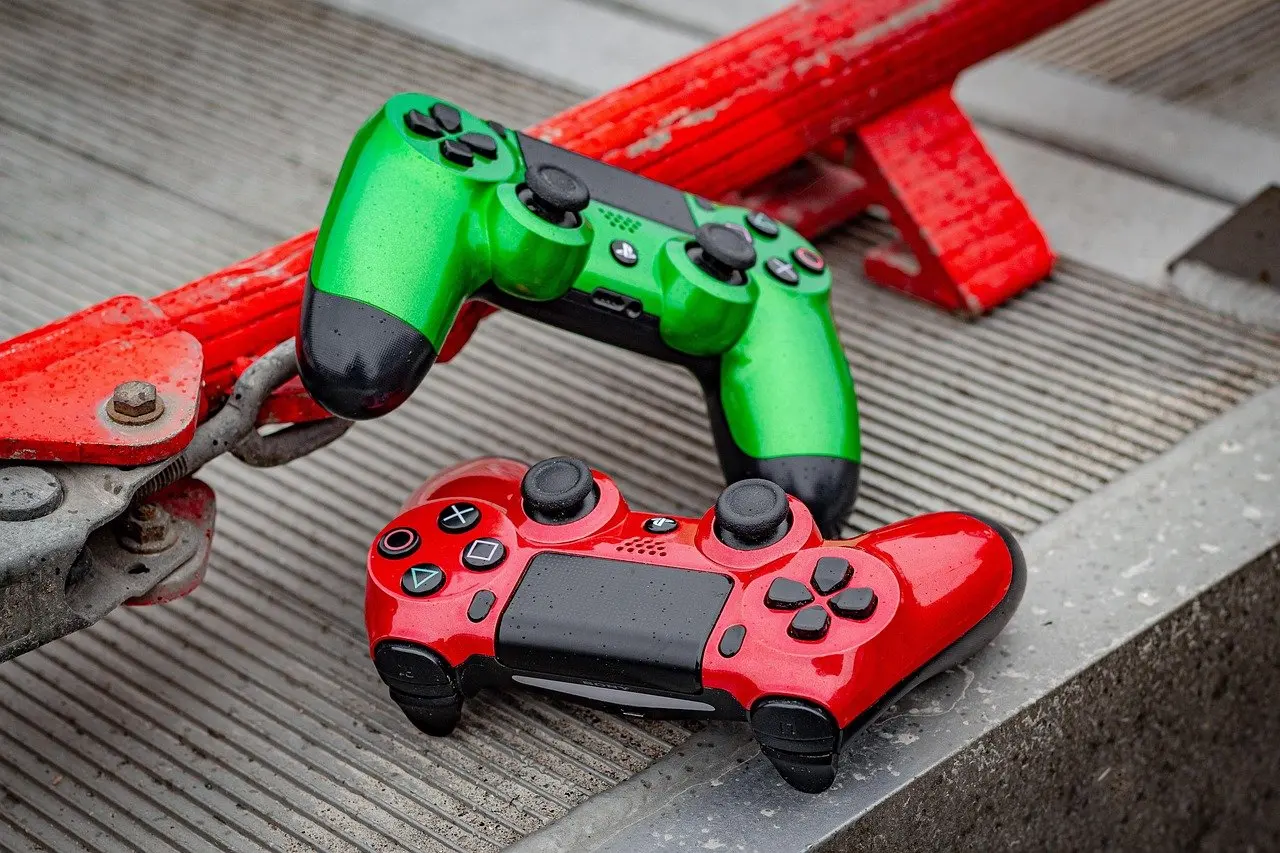
Wide compatibility like this is common for wired headsets, but each platform still has its own wiring quirks, covered under troubleshooting.
- List your systems. Write down every console and PC the headset must serve.
- Rule out locked models. Drop any headset designed for a single platform that does not match your list.
- Prefer passthrough for shared setups. A multi-platform design such as the Astro A50 X avoids swapping cables.
Once the platform list is settled, the connection type decides how the headset reaches it.
Phase two: choose the connection
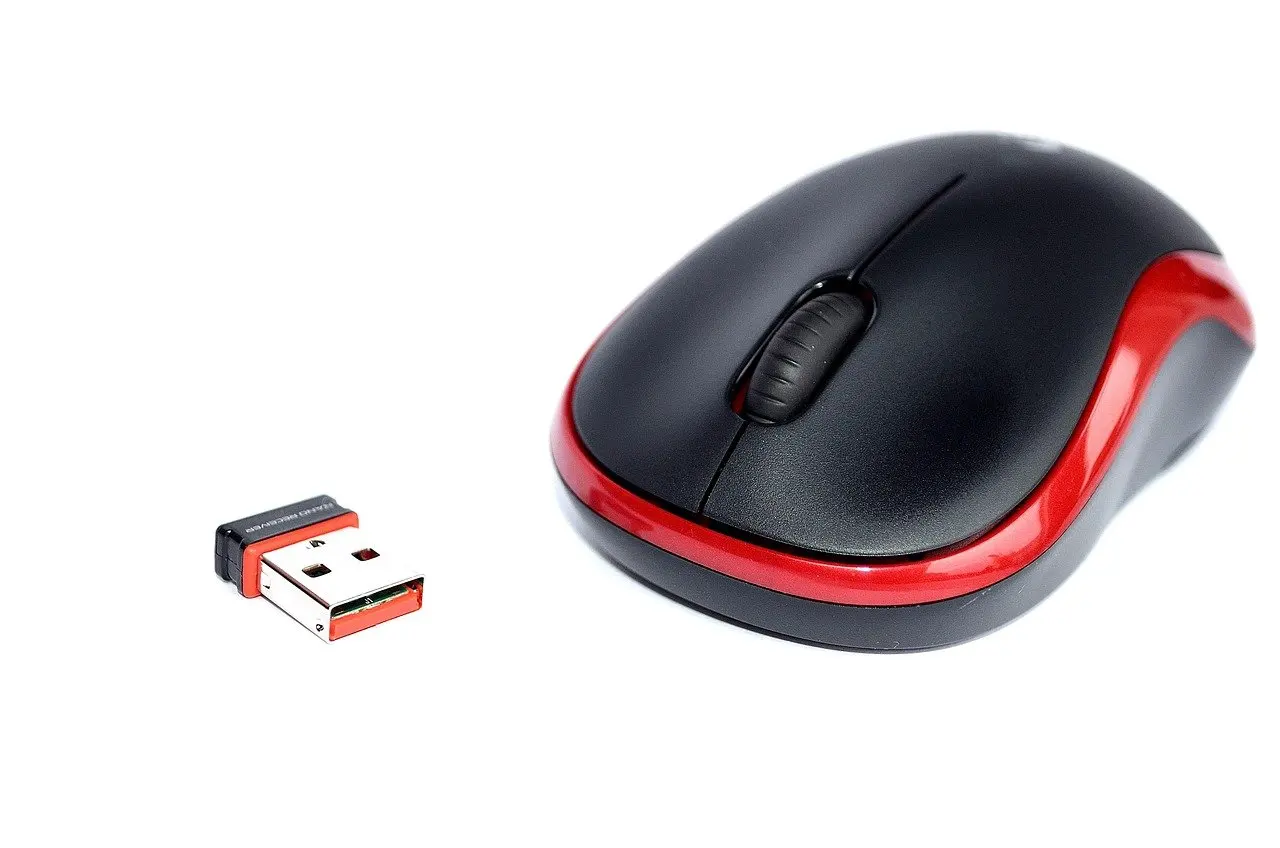
For wireless gaming, the roundup advises to look for 2.4 GHz wireless for gaming and Bluetooth for mobile use. A 2.4 GHz wireless dongle plugs into the console or PC and pairs the headset without relying on the phone-style Bluetooth link.
Wireless or wired
Wireless suits a desk or living room where cables get in the way. It adds a battery to manage, and the rated hours vary widely: 80+ hours for the Audeze Maxwell, 28 hours for the Inzone H5 and 24 hours for the Astro A50 X, according to the same roundup. Wired suits players who never want to think about charging. Choose 2.4 GHz wireless if you game at a fixed spot, and wired if the headset moves between several devices.
USB audio and the 3.5 mm jack
The Corsair Virtuoso Pro offers USB audio with 24-bit/96 kHz support, a digital route that carries sound and voice over one cable. Check what the USB lead does before assuming it carries sound.
For a headset you also take outdoors, Bluetooth is the sensible link, and our best running headphones guide covers that use in more depth.
Phase three: judge the microphone
A gaming headset is defined by its boom microphone, and the pickup pattern shapes how much room noise reaches your teammates. The Razer BlackShark V3 Pro uses a 9.9 mm hyperclear supercardioid microphone, a pattern that favours sound from in front of the mic. The Corsair Virtuoso Pro instead has a detachable omnidirectional microphone that captures broadcast-quality voice.
- Check the pattern. Choose supercardioid for a noisy room and omnidirectional only where the room is quiet.
- Check the mount. A detachable microphone lets you remove the boom when you only listen.
- Check where the mic connects. On a 3.5 mm headset, the plug must carry the microphone as well as the audio.
Take care with the second item. A detachable boom is convenient, but it is one more part to keep track of.
Phase four: weight, comfort and battery
Weight is a practical proxy for long-session comfort, and the figures sit close together. The Logitech G Pro X 3 is described as an ultra-lightweight 269 g design, while the Inzone H5 comes in at 260 g. Neither figure is a target, only a reference point when comparing headsets you are considering.
Weight does not tell the whole story, because clamp force and ear-cup shape also affect fit, and those are not captured in a spec sheet. If a headset is within a few grams of another, let fit decide.
Battery life matters only for wireless models. A longer rating, such as the Audeze Maxwell’s 80+ hours, means charging less often. A 24-hour rating still covers a long gaming day, but it suits a routine where you plug in between sessions.
Phase five: decide whether you need surround sound
Surround sound is a feature, not a requirement, and it should not outrank platform fit or the microphone. The Razer BlackShark V3 Pro includes THX Spatial Audio with per-game profiles, and the Inzone H5 integrates Tempest 3D AudioTech on PS5.
Because surround is delivered by the headset’s own processing, treat it as a bonus on a headset you already like. If your gaming happens on a TV with several people in the room, a best soundbar is an alternative worth comparing.
Troubleshooting common setup problems
- No microphone on PC. A 3.5 mm headset needs a 1-to-2 3.5 mm splitter to connect both the microphone and the audio on a PC.
- No sound over USB. On the same headset, the USB lead powers the LED lights only, so plug the jack in for sound.
- Older Xbox One controller. It needs an extra Microsoft adapter, which is not included.
- Console-locked headset on another system. The Inzone H5 is designed exclusively for PS5, so a different platform needs a different model.
Frequently asked questions
Which gaming headsets work on PS5?
The Sony Inzone H5 is built for it, the Astro A50 X passes HDMI 2.1 through for PS5, and a 3.5 mm headset can plug into the controller. Check each model’s platform list before buying.
Is wireless or wired better for gaming?
Neither wins outright. Wireless with a 2.4 GHz dongle removes cable clutter, while wired avoids battery management and works across more devices through the jack.
Do I need virtual surround sound?
No. It is an optional feature, found for example in the Razer BlackShark V3 Pro. Prioritise platform fit and a suitable microphone first.
Can one headset cover PC and consoles?
Yes, if it is designed for it. The Astro A50 X covers PS5, Xbox Series X and PC, and a 3.5 mm headset can reach many platforms through its jack.