Zigbee vs Z-Wave vs WiFi mostly comes down to hubs and placement: Wi-Fi suits plugged-in devices near the router with no hub, while Zigbee and Z-Wave need a hub or controller but build meshes that reach farther.
Pick Wi-Fi for a handful of plugs and bulbs, Zigbee for a larger set of bulbs and sensors, and Z-Wave for wall switches and sensors that must get through walls. Readers still planning their first purchases can start with how to set up a smart home, and the hub question is covered further in do I need a smart home hub.
Side-by-side comparison
The three options differ on radio band, how far a signal travels, how many devices a network can hold and what extra hardware they need. The table puts those criteria next to each other so the trade-offs are visible before the detail below.
| Criterion | Zigbee | Z-Wave | Wi-Fi |
|---|---|---|---|
| Radio band | 2.4 GHz, built on the IEEE 802.15.4 radio standard | Sub-GHz; 908.42 MHz in the US | 2.4 GHz band, shared with Zigbee |
| Indoor range | Roughly 10–30 meters per hop, depending on walls and interference | About 30 m (100 ft) per hop, with a maximum of four hops | Each device talks directly to the access point, so reach depends on that one connection |
| Network behavior | Self-healing mesh; powered devices act as repeaters | Self-healing mesh; powered devices act as repeaters | No mesh between devices |
| Device capacity | Up to 65,000 devices in theory (Zigbee 3.0) | Maximum of 232 devices per network (classic Z-Wave) | Consumer routers can struggle above 50–60 simultaneous clients |
| Extra hardware | Dedicated hub or coordinator | Controller: a USB stick or a radio built into a hub | None; connects to the existing router |
| Bandwidth | Low-data control messages | Low-data control messages | High bandwidth, up to 1 Gbps |
| Planning use | Large collections of bulbs and sensors | Switches and sensors in wall-heavy homes | A few plugged-in devices near the router |
Figures come from the protocol comparison by Data Wire Solutions and the Z-Wave versus Zigbee guide from Zigbee Hubs.
The theoretical Zigbee ceiling and the Z-Wave limit are both far above what a typical household owns, so device count rarely decides the choice at home. The router’s client limit is the figure a Wi-Fi-only home is most likely to hit.
Which protocol needs a hub
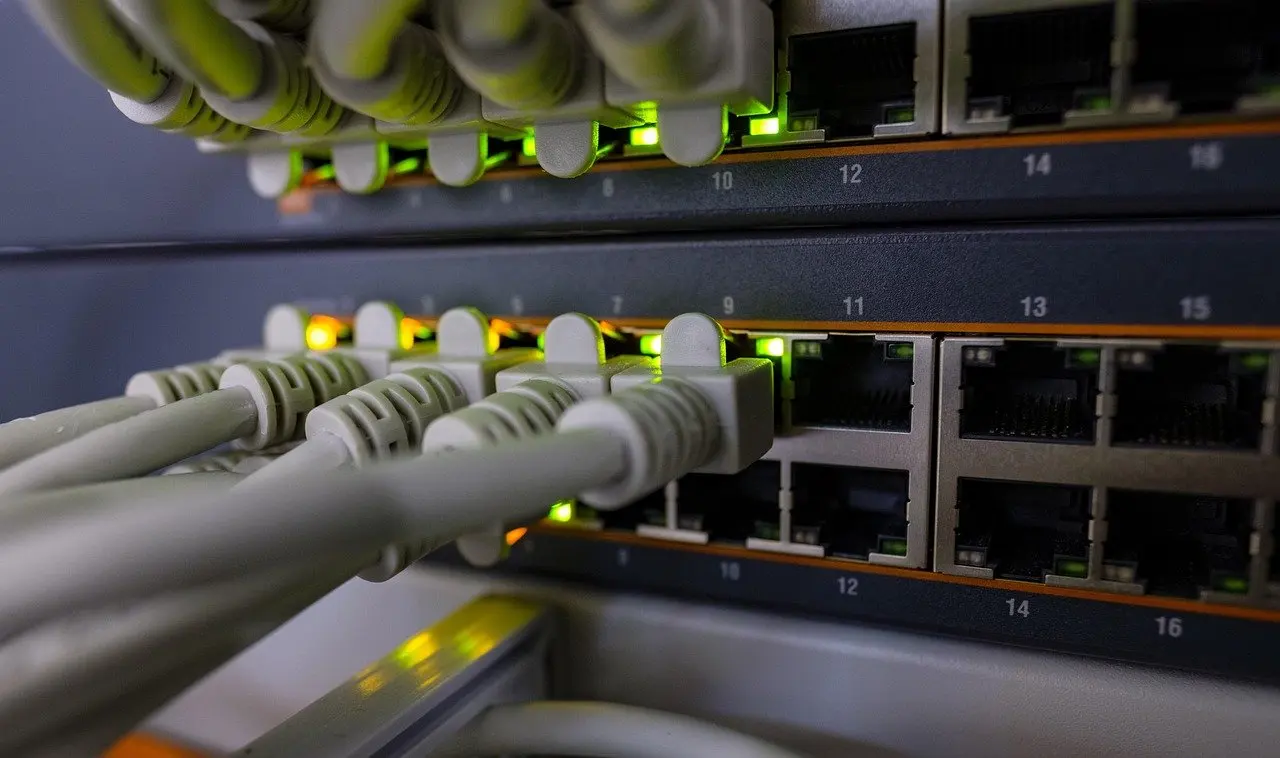
Zigbee and Z-Wave both need extra hardware, while Wi-Fi devices do not. According to Zigbee Hubs, Zigbee devices require a dedicated hub or coordinator. Data Wire Solutions describes the Z-Wave equivalent as a controller, either a USB stick or a radio embedded in a smart home hub. Wi-Fi smart devices connect directly to the existing router, so no separate hub is involved.
In practice, a Wi-Fi-only setup is the lowest-friction way to start. A hub becomes worthwhile when the plan includes many sensors or bulbs that should form a mesh. Matter adds a wrinkle: Zigbee Hubs notes that Matter devices need a Matter controller or hub. Some hubs can also act as a Matter bridge for existing Zigbee devices, which is covered in the section on mixing protocols below.
Range, mesh and reliability
Zigbee and Z-Wave gain reach by relaying through other devices, while Wi-Fi depends on a single link to the router. Reliability therefore depends on how many powered devices sit between a sensor and the hub, and on how crowded the 2.4 GHz band is.
Zigbee and Z-Wave mesh
Both protocols create self-healing meshes in which mains-powered devices act as repeaters, as described by Data Wire Solutions. A Zigbee hop covers roughly 10–30 meters indoors, depending on walls and interference. A Z-Wave hop covers approximately 30 meters (100 feet) indoors, with a maximum of four hops.
That four-hop figure is a ceiling on how far a message can travel, not a target to design for. In a large home, extra powered Z-Wave devices placed between the hub and distant sensors keep paths short.
Z-Wave also has a frequency advantage. Because it sits on a sub-GHz frequency (908.42 MHz in the US), Zigbee Hubs says it is less likely to clash with 2.4 GHz Wi-Fi and offers superior penetration through walls. Zigbee, by contrast, shares the 2.4 GHz band with Wi-Fi. Z-Wave is therefore the more sensible choice for a dense apartment building or a house with thick interior walls and a busy router.
Wi-Fi congestion
Wi-Fi works differently. Every device communicates directly with the access point, so a weak signal in one room cannot be fixed by a neighbouring gadget relaying it. IoTBall reports that connecting many Wi-Fi accessories operating in the 2.4 GHz band can lead to packet loss and delays.
Phones, laptops, TVs and every smart plug all count as clients. A home that already has many connected gadgets should move bulbs and sensors onto Zigbee or Z-Wave rather than adding more Wi-Fi clients.
Smart bulbs: Wi-Fi or Zigbee
For a few bulbs in rooms the router covers well, Wi-Fi bulbs are the simpler buy. For many bulbs, or for bulbs that should also help sensors reach the hub, Zigbee bulbs are the stronger choice.
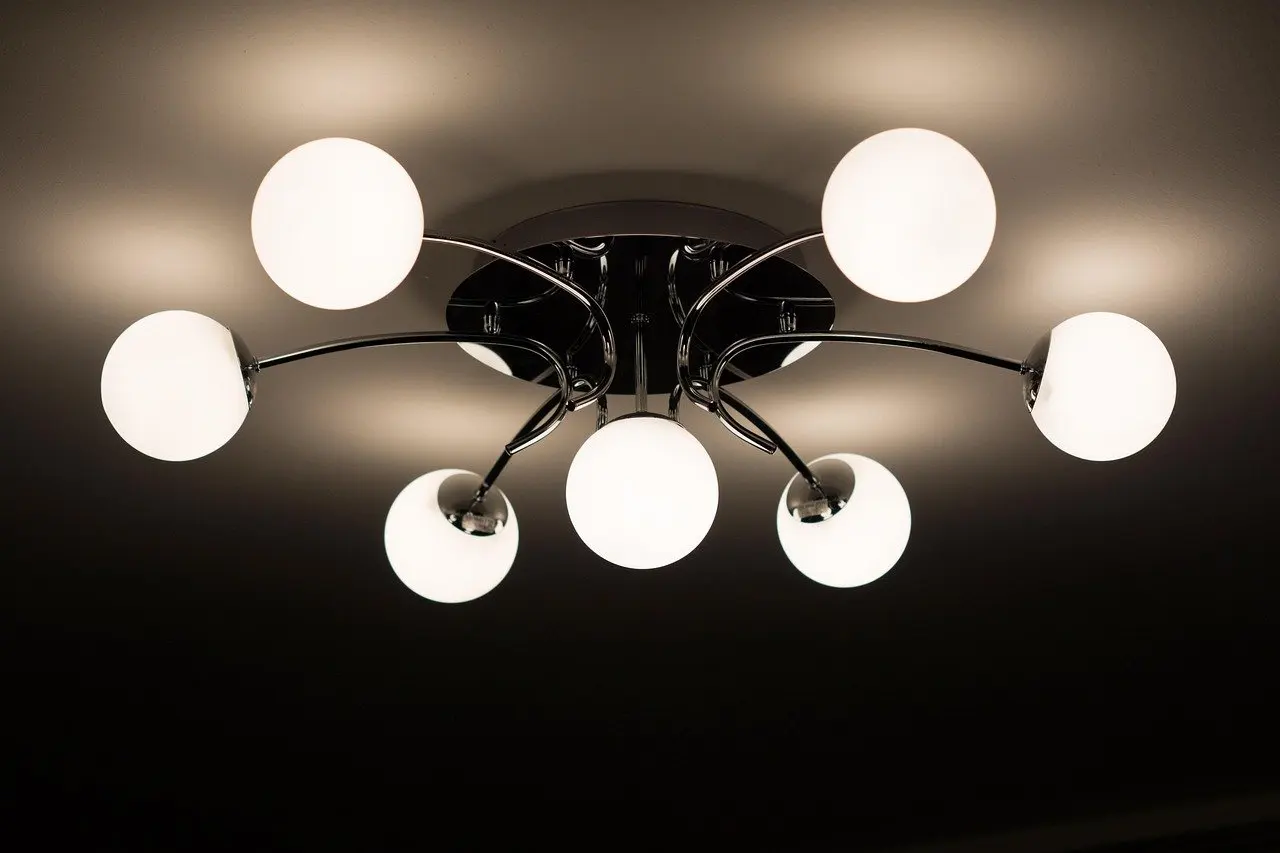
- Wi-Fi bulbs: They join the router directly and need no hub. Data Wire Solutions says Wi-Fi makes sense for devices that stay plugged in and are within reliable range of an access point, and a ceiling fixture on mains power fits that description. Each bulb still counts as a router client.
- Zigbee bulbs: They need a hub or coordinator, but a powered bulb doubles as a repeater. The same source gives the example of a Zigbee bulb in a hallway extending the mesh to a bedroom sensor around the corner.
- Z-Wave: The strongest case for Z-Wave is in-wall switches and dimmers rather than bulbs. A smart bulb stops working as a smart bulb if someone turns off its wall switch, so a Z-Wave switch controlling ordinary bulbs is a different approach worth considering.
The deciding factor is therefore scale and layout. A homeowner who wants a hallway lamp and a bedside lamp can use Wi-Fi bulbs and avoid buying a hub. A household planning bulbs in most rooms alongside door and motion sensors gets more from a Zigbee mesh, because the bulbs strengthen the network for everything else.
Matching protocols to what beginners buy
Each protocol fits a different kind of device. Match the purchase to the protocol rather than picking one protocol for the whole house.
- Plugs and mains-powered gadgets: Wi-Fi is the easy option when the device stays plugged in and the router reaches it comfortably.
- Door, window and motion sensors: Zigbee or Z-Wave suit these, since a mesh lets a small battery device send a short message through a nearby powered device rather than holding a long-range link to the router.
- Wall switches and dimmers: Z-Wave is a natural fit. Data Wire Solutions notes that any Z-Wave switch from any brand will work with any Z-Wave hub, so a later change of hub does not strand the switches.
- Data-heavy devices such as TVs: Wi-Fi offers high bandwidth, up to 1 Gbps according to Zigbee Hubs, which Zigbee and Z-Wave are not built to provide.
Using the protocols together
Zigbee, Z-Wave and Wi-Fi devices can coexist in one home, and the usual meeting point is the hub and a shared app layer rather than the radios themselves. Wi-Fi devices reach the household through the router, while a hub handles the Zigbee or Z-Wave side.
Matter explains much of the recent convergence. IoTBall describes Matter as the application layer, the language devices use to communicate, rather than a radio protocol. It therefore sits on top of the radios compared here instead of replacing them. Zigbee Hubs adds that a hub can act as a Matter bridge, exposing existing Zigbee devices to the Matter ecosystem. For a fuller explanation, see what is matter smart home.
The practical advice is to avoid replacing working Zigbee gear just to chase Matter. Buy a hub that supports the protocols already in the home and bridges to Matter, and keep Wi-Fi for the plugged-in devices that suit it.
Frequently asked questions
Which is cheaper for in-wall dimmers, Z-Wave or Zigbee?
Zigbee tends to cost less. Data Wire Solutions lists a Z-Wave in-wall dimmer at $30–60 and a comparable Zigbee dimmer at $15–35, so Z-Wave’s wall-penetration advantage comes at a price premium.
How long do batteries last in Zigbee and Wi-Fi sensors?
Data Wire Solutions reports that two AAA batteries in a Zigbee door sensor routinely last 2–3 years, while a battery-powered Wi-Fi temperature sensor typically lasts 3–6 months. Battery-powered sensors are therefore a better fit for a mesh than for Wi-Fi.
Is Thread the same as Zigbee?
No. Thread uses the same 802.15.4 radio layer as Zigbee but a fundamentally different network architecture, according to Data Wire Solutions. Thread devices are not simply Zigbee devices under another name.